AI Video Subtitle Remover
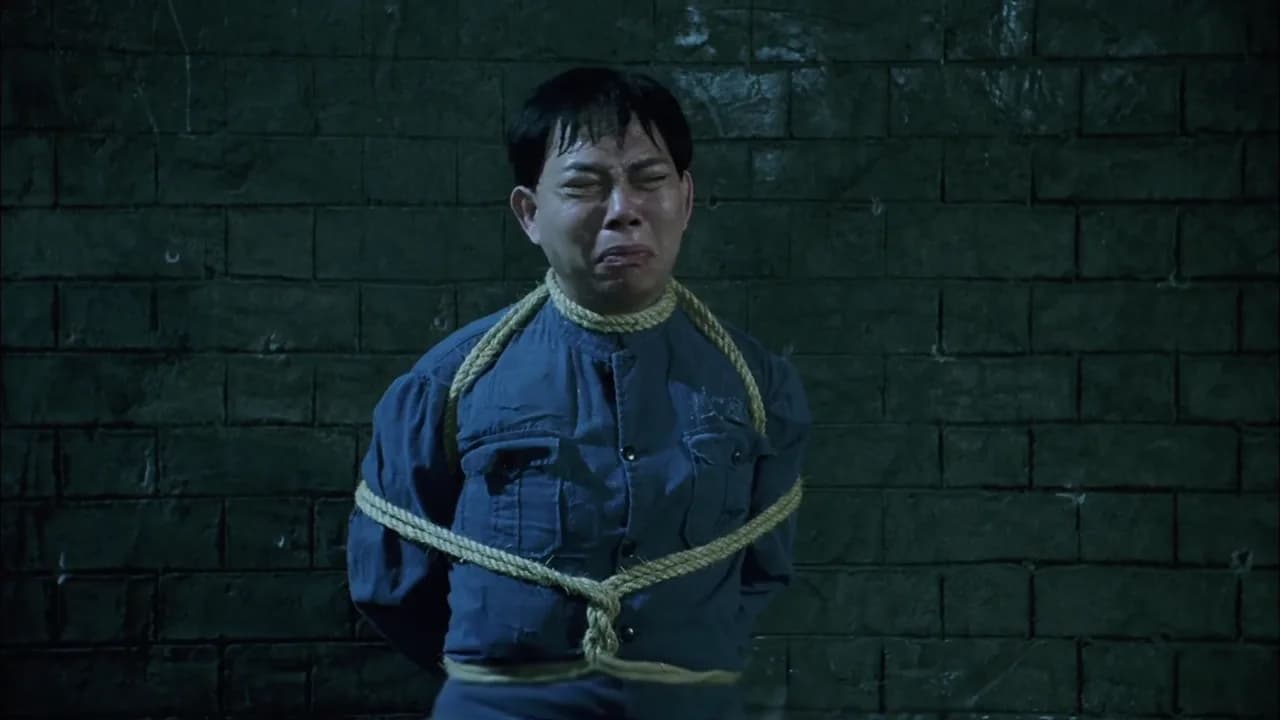
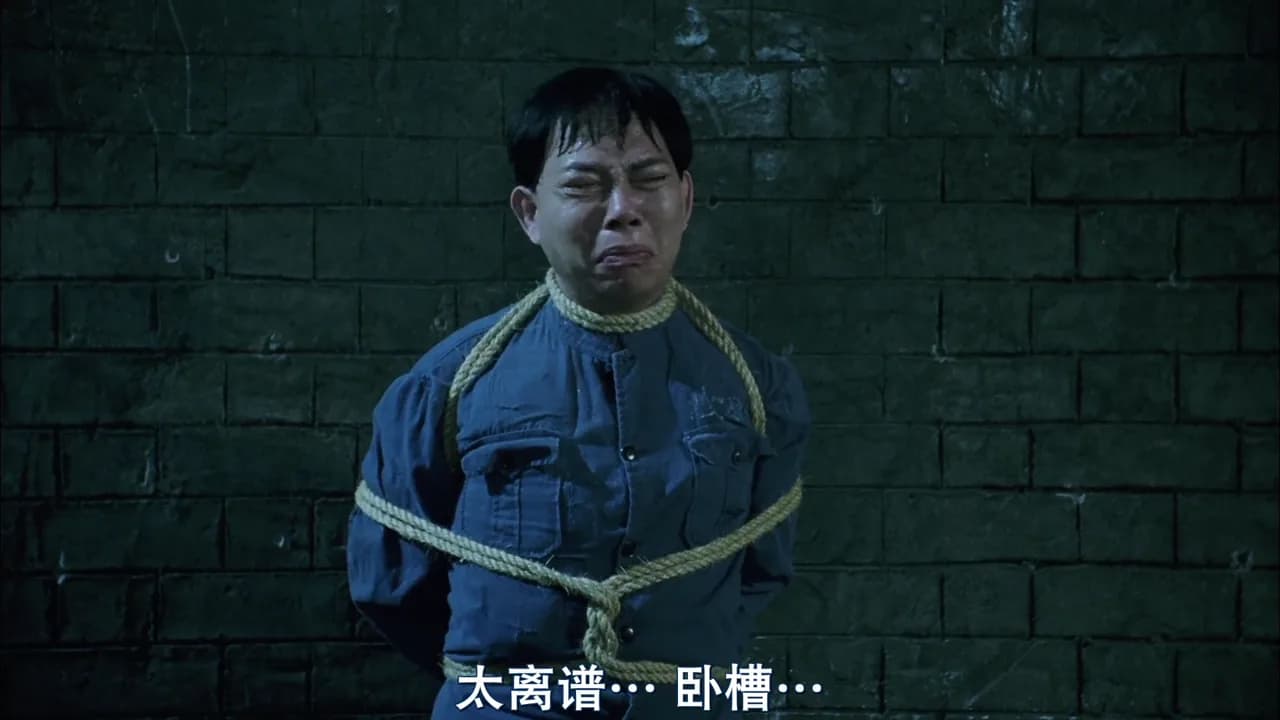
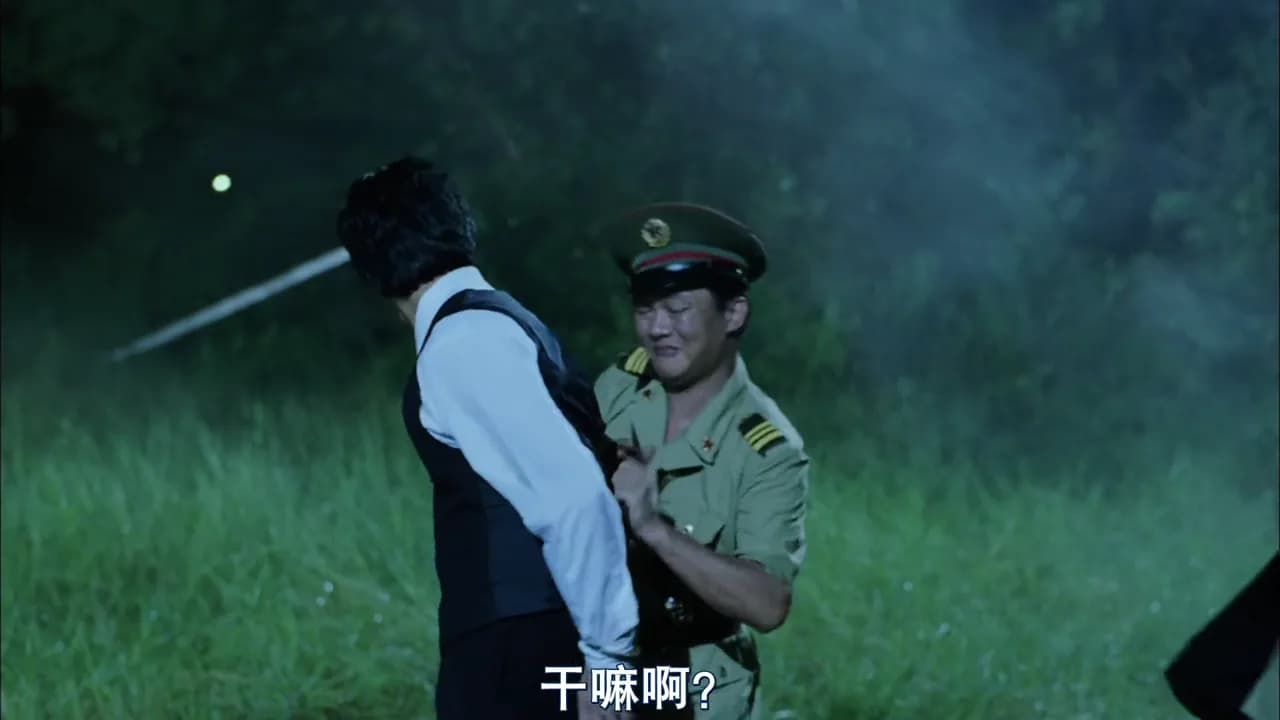
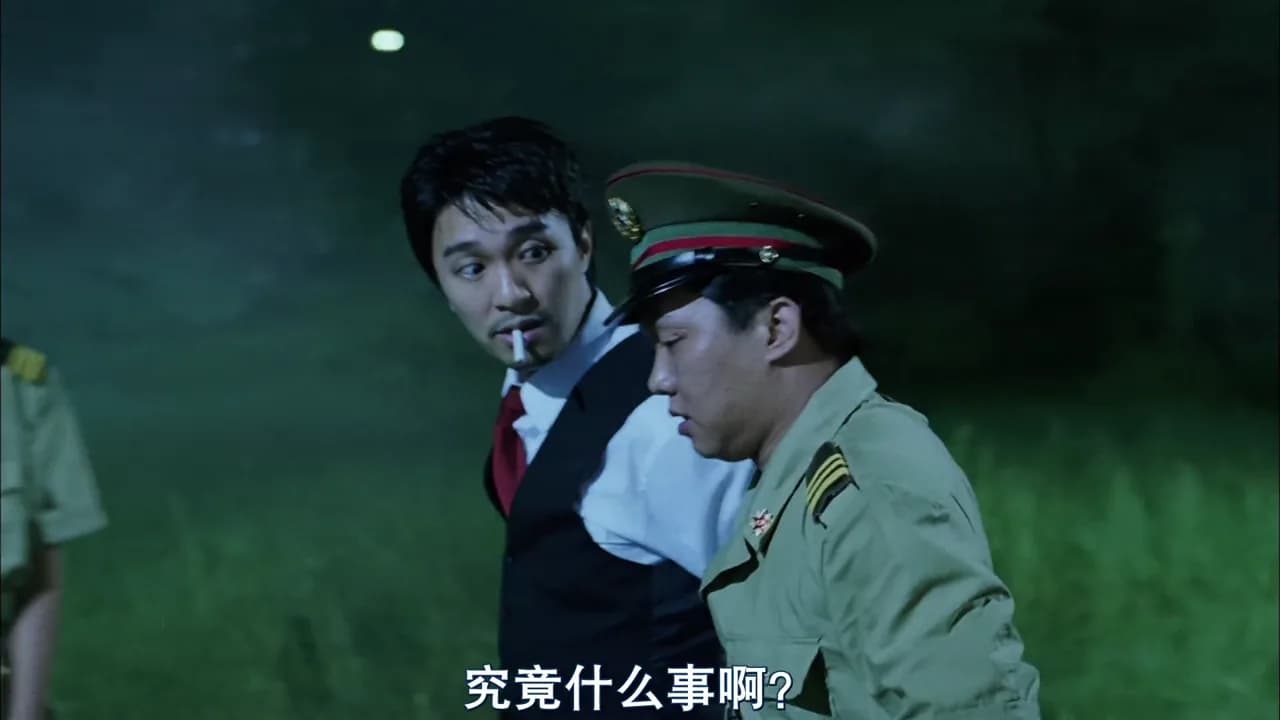
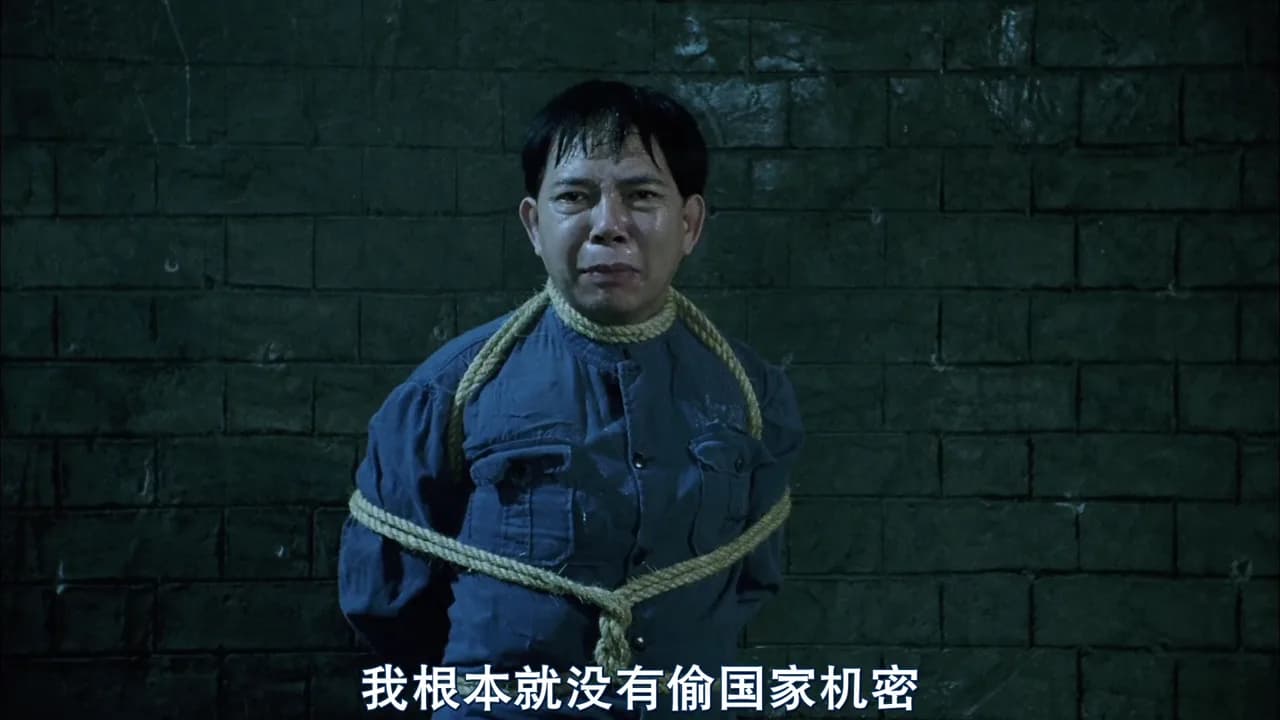
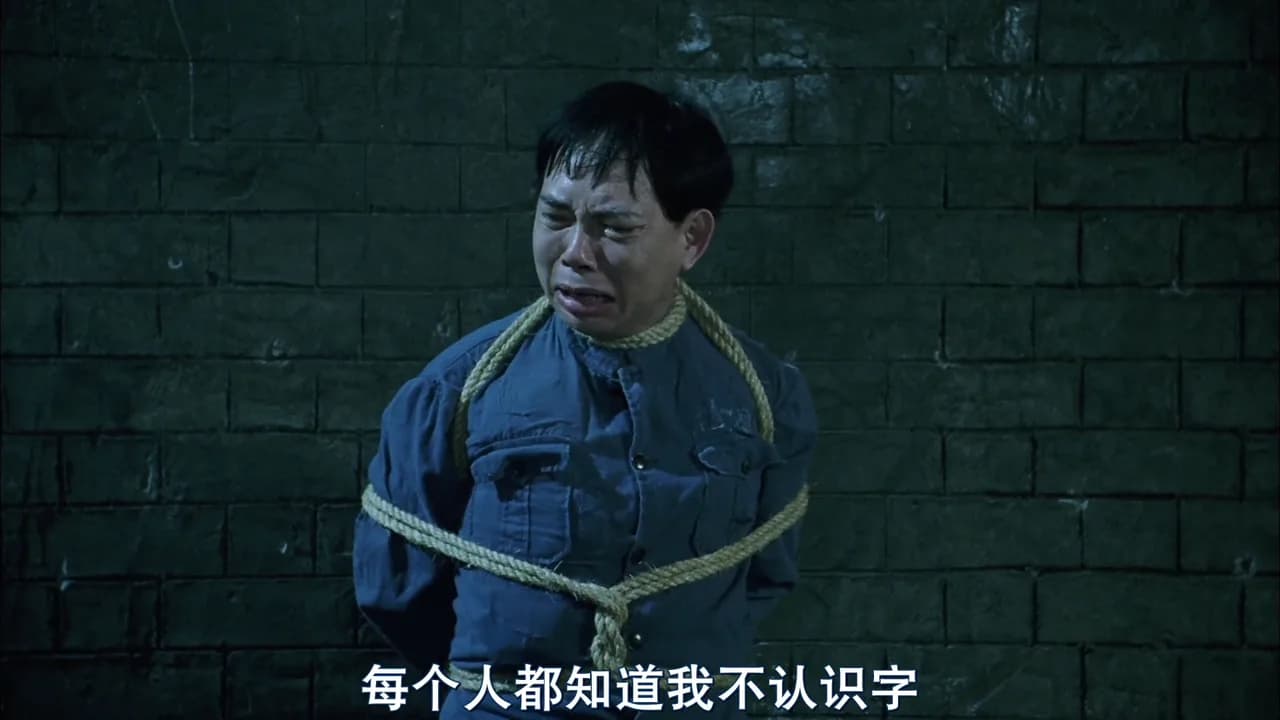
用 NanoPhoto.AI 去除短视频里的硬字幕。上传视频或粘贴公开视频 URL,AI 会识别字幕文字并输出保留原始画面、运动和音频的干净版本。
AI 字幕清理
去除视频中的字幕
视频预览
上传视频或使用示例开始。
结果会显示在这里
处理完成后,你可以对比原视频和无字幕结果,再下载最终 MP4。
Clean caption areas
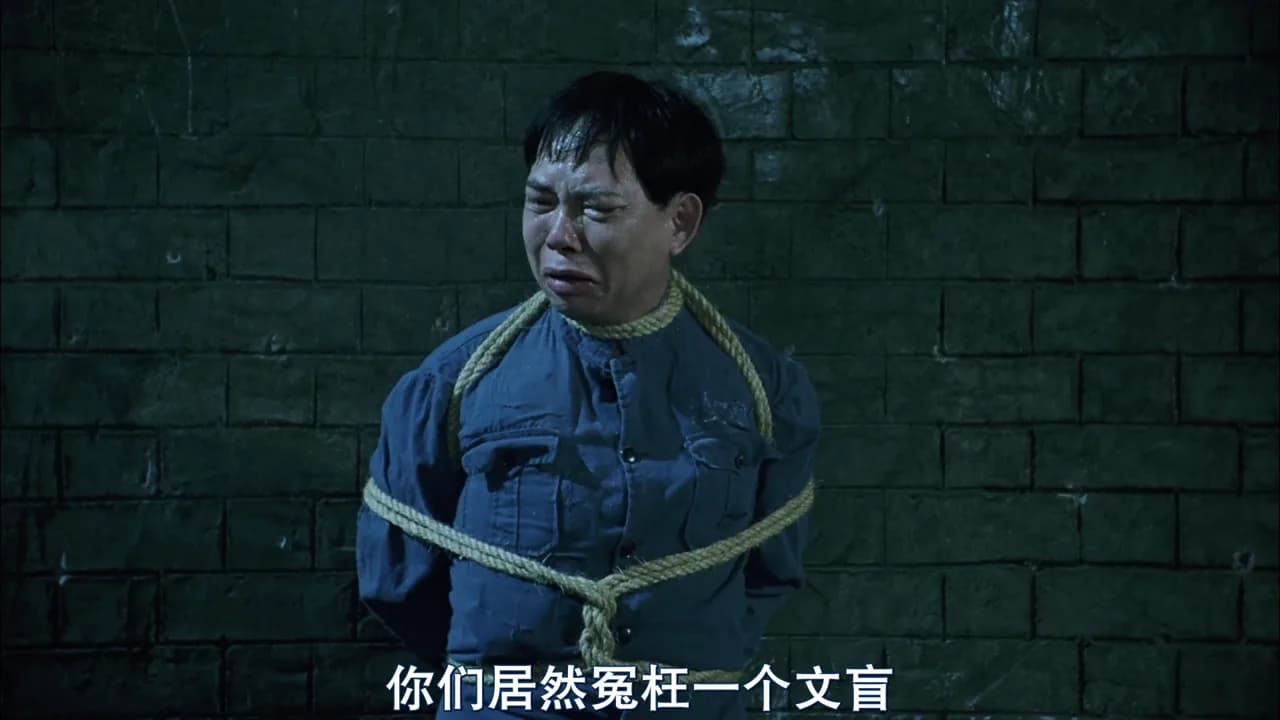
AI detects burned-in subtitle text and reconstructs the pixels behind it so the final video can be reused without visible captions.
Stable video output
The workflow keeps the original framing and audio while saving the processed MP4 back to NanoPhoto.AI storage for a reliable download link.
Credit-safe processing
Each task pre-deducts credits, prevents duplicate active jobs for the same video, and refunds automatically if the provider fails.
Workflow
Remove hardcoded subtitles in three steps
NanoPhoto.AI keeps subtitle removal focused for creators and operators who need a clean clip without opening a heavy video editor. Upload a short MP4, MOV, or WebM file, or paste a public video URL. The server submits the task through a private AI processing route, polls the result, stores the final video, and returns a stable download.
Upload or paste a URL
Start with a local clip or a public HTTPS video. Browser uploads go directly to storage, then the server sends the public file URL to the AI subtitle remover.
AI removes caption text
The provider runs a subtitle-focused video cleanup mode that identifies hardcoded captions and repairs the background frame by frame.
Review and download
When processing is complete, compare the source and clean result in the browser, then download the subtitle-free MP4 for editing, posting, or archiving.
Built for short-form cleanup and reuse
A dependable AI video subtitle remover is useful when a clip has hardcoded captions in the wrong language, old campaign text, draft subtitles, or platform overlays that should not appear in the next edit.
Social repost prep
Clean burned-in captions before cutting videos for Shorts, Reels, TikTok, ads, or localization workflows that need fresh text later.
Marketing asset reuse
Remove outdated subtitles from product demos, campaign clips, course teasers, and creator footage before using the same video in a new layout.
Localization workflows
Prepare clean master clips before adding translated subtitles, dubbing, or new captions in NanoPhoto.AI and other post-production tools.
AI Video Subtitle Remover FAQ
Answers for creators and teams using NanoPhoto.AI to remove hardcoded subtitles from short videos.
What kind of subtitles can this remove?
The tool is designed for burned-in or hardcoded subtitles that are part of the video image. It is not needed for removable subtitle tracks; those can usually be disabled or deleted in a video editor.
How many credits does one task cost?
One AI Video Subtitle Remover task costs 5 credits. Credits are pre-deducted before provider processing, and failed provider tasks are refunded automatically.
Which video formats are supported?
You can upload MP4, MOV, or WebM files up to 300 MB and 5 minutes, or paste a public HTTPS video URL that the server can access.
Will the result keep my audio and timing?
The provider returns a cleaned video that keeps the original timing and audio track. Processing may slightly change bitrate or file size because the video is re-encoded.
Why do you store the result after processing finishes?
The AI processing service returns a signed temporary URL. NanoPhoto.AI downloads the result and stores it in our own storage so your final download link is stable.