NanoPhoto.AI Now on OpenClaw — Create Comic Dramas, Images & Videos Right from Chat
NanoPhoto.AI launches OpenClaw skills: generate Sora 2 videos, Veo 3.1 long-form videos, Nano Banana Pro images, and produce full comic dramas — all from Telegram, Feishu, WeChat and more.
What if you could generate an AI video just by sending a message in Telegram or WeChat? Now you can.
NanoPhoto.AI has officially launched its OpenClaw skill set, bringing AI image generation, video generation, and even a complete comic-drama production pipeline directly into your favorite messaging apps — no browser, no code required.
What Is OpenClaw?
OpenClaw is an AI assistant platform that works through IM channels like Telegram, Feishu (Lark), WeChat, and more. Once you install NanoPhoto.AI skills, you can send commands in your chat window to generate videos, images, and prompts.
Official skill directory: clawhub.ai/u/nanophotohq
8 Skills at Your Fingertips
| Skill | What It Does |
|---|---|
| sora-2-generate | Sora 2 text-to-video & image-to-video |
| veo-3-1 | Veo 3.1 multi-shot long video, up to 168s |
| nano-banana-pro | AI image generation & editing |
| nano-banana-2 | Image generation with Google Search enhancement |
| video-prompt-generator | Professional video prompt generation |
| video-reverse-prompt | Extract prompts from existing videos |
| sora-watermark-remover | Remove Sora 2 video watermarks |
| comic-drama-generate | Full comic-drama production pipeline |
Install any skill with one command:
npx clawhub@latest install <skill-name>Comic Drama: A Complete Production Pipeline
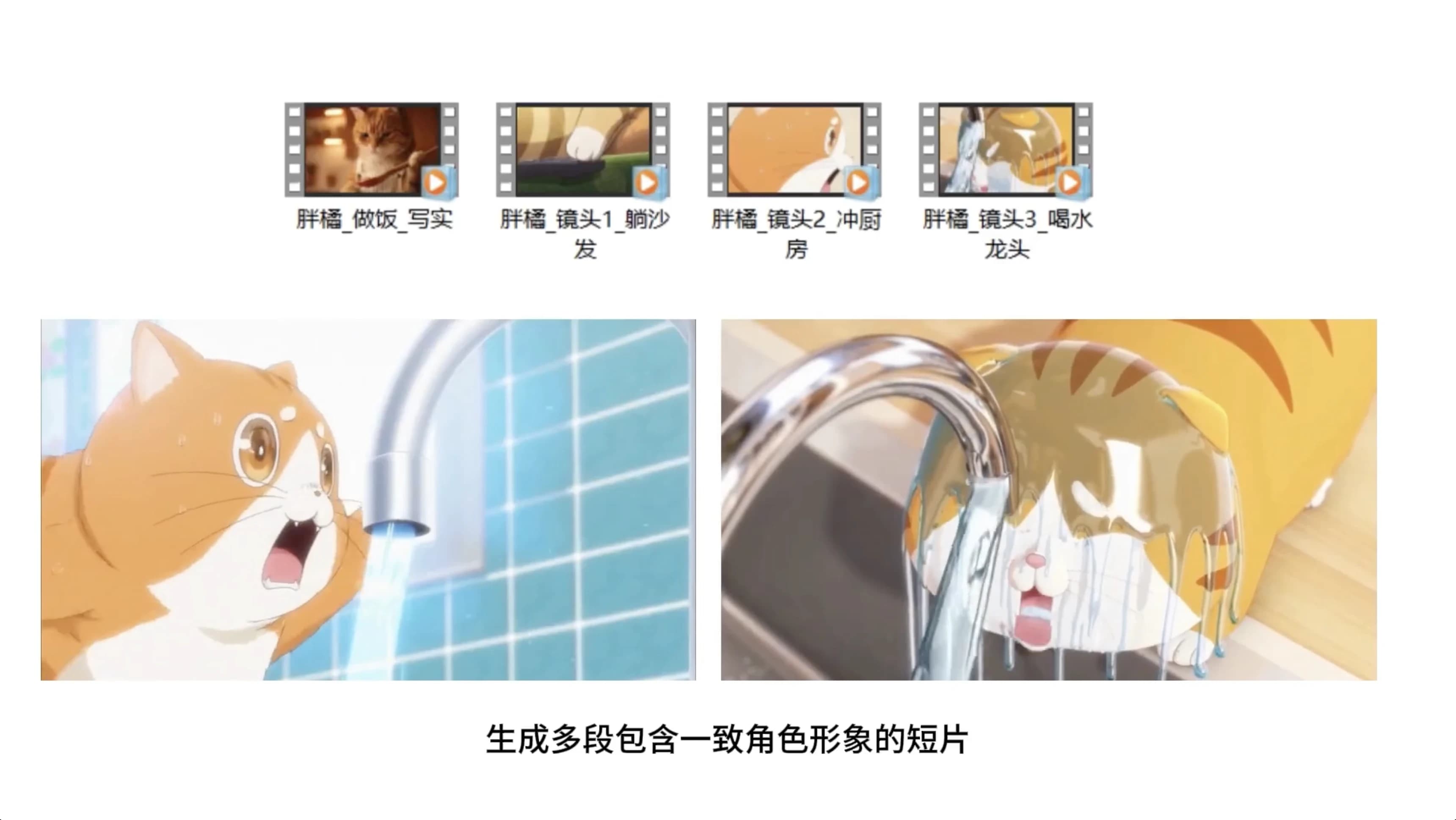
This is the most exciting skill. comic-drama-generate chains multiple skills into a full comic-drama pipeline with built-in character consistency.
The Pipeline
- Define style & series bible — Lock visual style, audience, episode count, platform, and aspect ratio
- Generate script foundation — Use
video-prompt-generatorto create story premise, dramatic arc, and episode beats - Generate character turnarounds — Use
nano-banana-proto create three-view character sheets for all recurring characters - Generate keyframes — Use
nano-banana-prowith turnaround URLs as reference to lock composition and costume continuity - Write shot script — Use
video-prompt-generatorto convert episodes into shot-level prompts - Generate videos — Use
sora-2-generatein image-to-video mode with keyframe URLs for character-led shots - Merge with FFmpeg — Download, trim, normalize, and merge clips locally
The Consistency Chain
Character Turnarounds → Keyframes → Image-to-VideoThis chain ensures your main characters maintain consistent appearance, clothing, and style across every shot — solving the biggest pain point in AI video creation.
Video Generation: Sora 2 + Veo 3.1
Sora 2
With the sora-2-generate skill, generate Sora 2 videos directly from chat:
- Text-to-video — Describe a scene and generate
- Image-to-video — Provide image URLs + prompt
- 10-second and 15-second durations
- Portrait and landscape modes
Veo 3.1
With the veo-3-1 skill, create multi-shot long-form videos up to 168 seconds:
- Up to 21 shots, 8 seconds each
- Text-to-video, first & last frames, and reference image modes
- 720p / 1080p resolution
Image Generation: Nano Banana Pro + Nano Banana 2
Nano Banana Pro
- Text-to-image and image-to-image modes
- 1K / 2K / 4K quality
- 16:9, 9:16, 4:3, 3:4 aspect ratios
Nano Banana 2
- Adds Google Search enhancement on top of Nano Banana Pro
- Generates images closer to real-world references
- Up to 14 reference images for editing
Quick Start
1. Get Your API Key
Go to NanoPhoto.AI Settings and create an API Key.
2. Install Skills
npx clawhub@latest install sora-2-generate
npx clawhub@latest install veo-3-1
npx clawhub@latest install nano-banana-pro
npx clawhub@latest install comic-drama-generate
3. Configure Your API Key
Set NANOPHOTO_API_KEY in your OpenClaw skill settings.
4. Start Creating
Send commands in your IM app and start generating.
Pay-Per-Use, No Subscription
All OpenClaw skills use NanoPhoto.AI credits, same pricing as the web interface. No extra subscription — pay only for what you use.
Full documentation: OpenClaw Skills Docs
Autor

Categorías
Más artículos
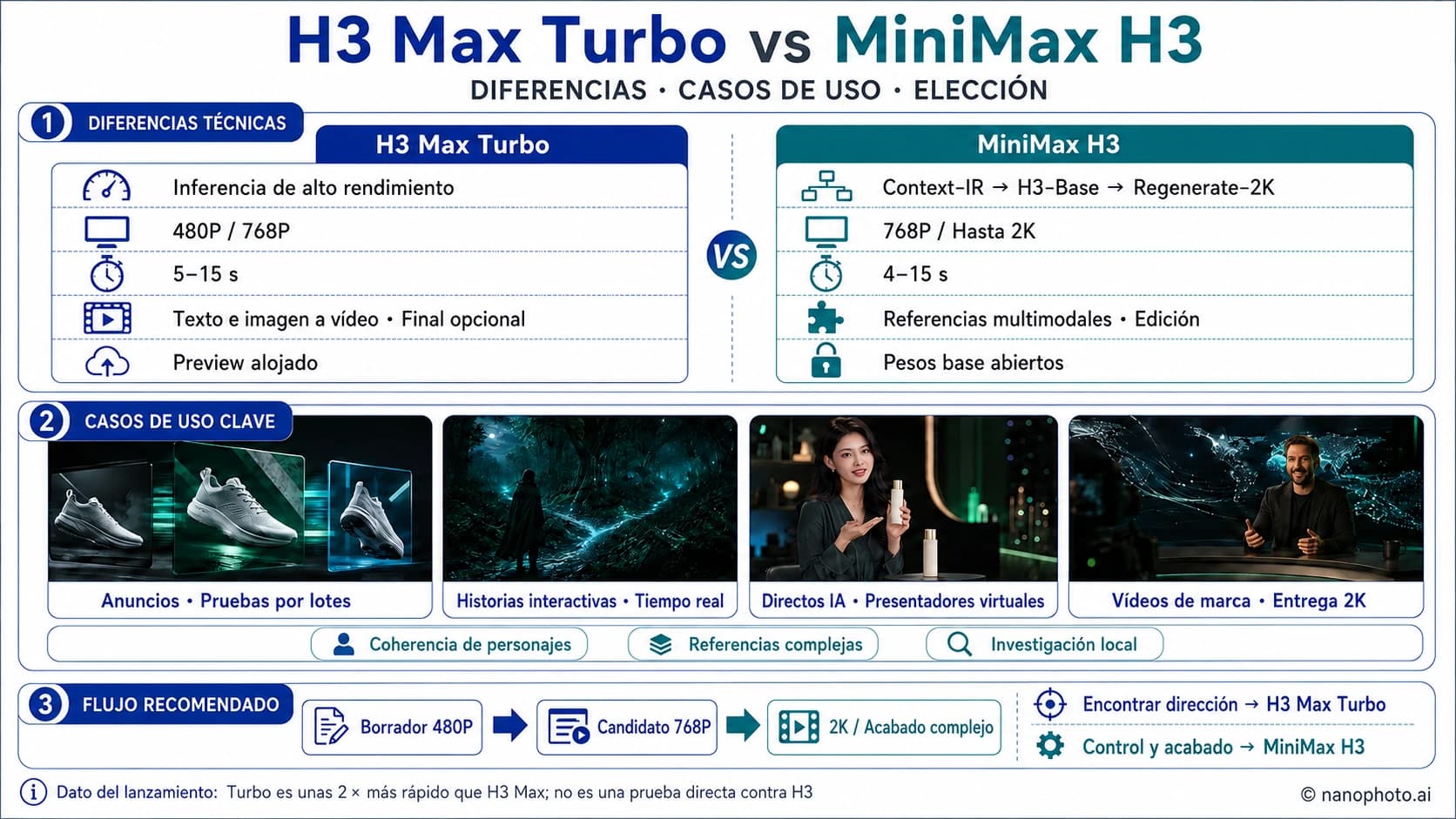
H3 Max Turbo vs MiniMax H3: velocidad, calidad, resolución y cuál elegir
Comparamos H3 Max Turbo y MiniMax H3 por velocidad, resolución 480P/768P/2K, duración, referencias, edición de vídeo y casos de uso.
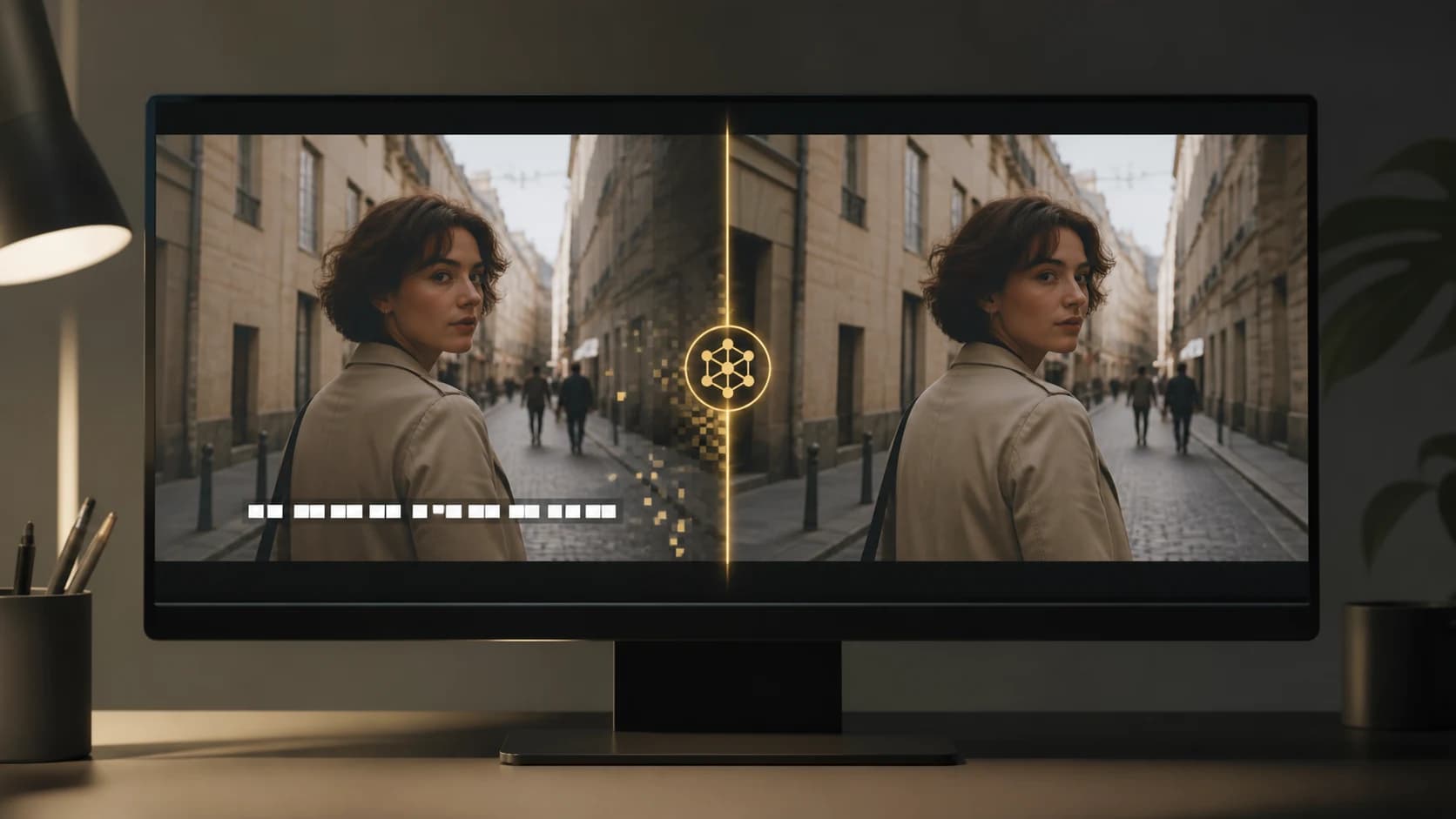
Cómo quitar texto de un video: 4 métodos prácticos
Aprende a quitar texto de un video eliminando la pista de subtítulos, recortando, cubriendo o limpiando subtítulos incrustados con NanoPhoto.AI.

De vídeo de YouTube a prompts plano por plano
Aprende a desglosar un vídeo en planos, describir movimientos de cámara y redactar prompts de IA coherentes con un ejemplo de tres planos.
Newsletter
Join the community
Subscribe to our newsletter for the latest news and updates