NanoPhoto.AI Now on OpenClaw — Create Comic Dramas, Images & Videos Right from Chat
NanoPhoto.AI launches OpenClaw skills: generate Sora 2 videos, Veo 3.1 long-form videos, Nano Banana Pro images, and produce full comic dramas — all from Telegram, Feishu, WeChat and more.
What if you could generate an AI video just by sending a message in Telegram or WeChat? Now you can.
NanoPhoto.AI has officially launched its OpenClaw skill set, bringing AI image generation, video generation, and even a complete comic-drama production pipeline directly into your favorite messaging apps — no browser, no code required.
What Is OpenClaw?
OpenClaw is an AI assistant platform that works through IM channels like Telegram, Feishu (Lark), WeChat, and more. Once you install NanoPhoto.AI skills, you can send commands in your chat window to generate videos, images, and prompts.
Official skill directory: clawhub.ai/u/nanophotohq
8 Skills at Your Fingertips
| Skill | What It Does |
|---|---|
| sora-2-generate | Sora 2 text-to-video & image-to-video |
| veo-3-1 | Veo 3.1 multi-shot long video, up to 168s |
| nano-banana-pro | AI image generation & editing |
| nano-banana-2 | Image generation with Google Search enhancement |
| video-prompt-generator | Professional video prompt generation |
| video-reverse-prompt | Extract prompts from existing videos |
| sora-watermark-remover | Remove Sora 2 video watermarks |
| comic-drama-generate | Full comic-drama production pipeline |
Install any skill with one command:
npx clawhub@latest install <skill-name>Comic Drama: A Complete Production Pipeline
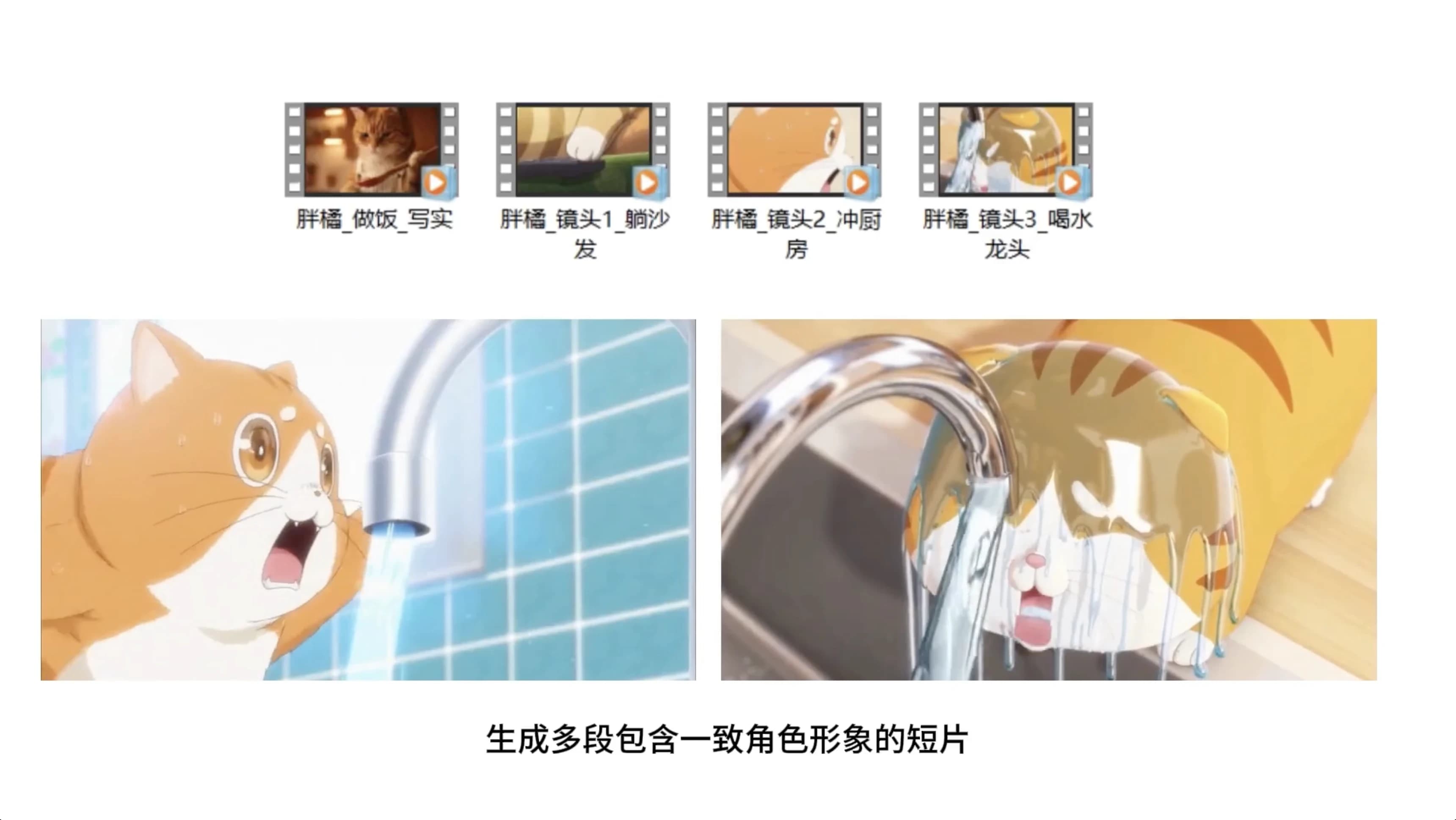
This is the most exciting skill. comic-drama-generate chains multiple skills into a full comic-drama pipeline with built-in character consistency.
The Pipeline
- Define style & series bible — Lock visual style, audience, episode count, platform, and aspect ratio
- Generate script foundation — Use
video-prompt-generatorto create story premise, dramatic arc, and episode beats - Generate character turnarounds — Use
nano-banana-proto create three-view character sheets for all recurring characters - Generate keyframes — Use
nano-banana-prowith turnaround URLs as reference to lock composition and costume continuity - Write shot script — Use
video-prompt-generatorto convert episodes into shot-level prompts - Generate videos — Use
sora-2-generatein image-to-video mode with keyframe URLs for character-led shots - Merge with FFmpeg — Download, trim, normalize, and merge clips locally
The Consistency Chain
Character Turnarounds → Keyframes → Image-to-VideoThis chain ensures your main characters maintain consistent appearance, clothing, and style across every shot — solving the biggest pain point in AI video creation.
Video Generation: Sora 2 + Veo 3.1
Sora 2
With the sora-2-generate skill, generate Sora 2 videos directly from chat:
- Text-to-video — Describe a scene and generate
- Image-to-video — Provide image URLs + prompt
- 10-second and 15-second durations
- Portrait and landscape modes
Veo 3.1
With the veo-3-1 skill, create multi-shot long-form videos up to 168 seconds:
- Up to 21 shots, 8 seconds each
- Text-to-video, first & last frames, and reference image modes
- 720p / 1080p resolution
Image Generation: Nano Banana Pro + Nano Banana 2
Nano Banana Pro
- Text-to-image and image-to-image modes
- 1K / 2K / 4K quality
- 16:9, 9:16, 4:3, 3:4 aspect ratios
Nano Banana 2
- Adds Google Search enhancement on top of Nano Banana Pro
- Generates images closer to real-world references
- Up to 14 reference images for editing
Quick Start
1. Get Your API Key
Go to NanoPhoto.AI Settings and create an API Key.
2. Install Skills
npx clawhub@latest install sora-2-generate
npx clawhub@latest install veo-3-1
npx clawhub@latest install nano-banana-pro
npx clawhub@latest install comic-drama-generate
3. Configure Your API Key
Set NANOPHOTO_API_KEY in your OpenClaw skill settings.
4. Start Creating
Send commands in your IM app and start generating.
Pay-Per-Use, No Subscription
All OpenClaw skills use NanoPhoto.AI credits, same pricing as the web interface. No extra subscription — pay only for what you use.
Full documentation: OpenClaw Skills Docs
작성자

카테고리
관련 글
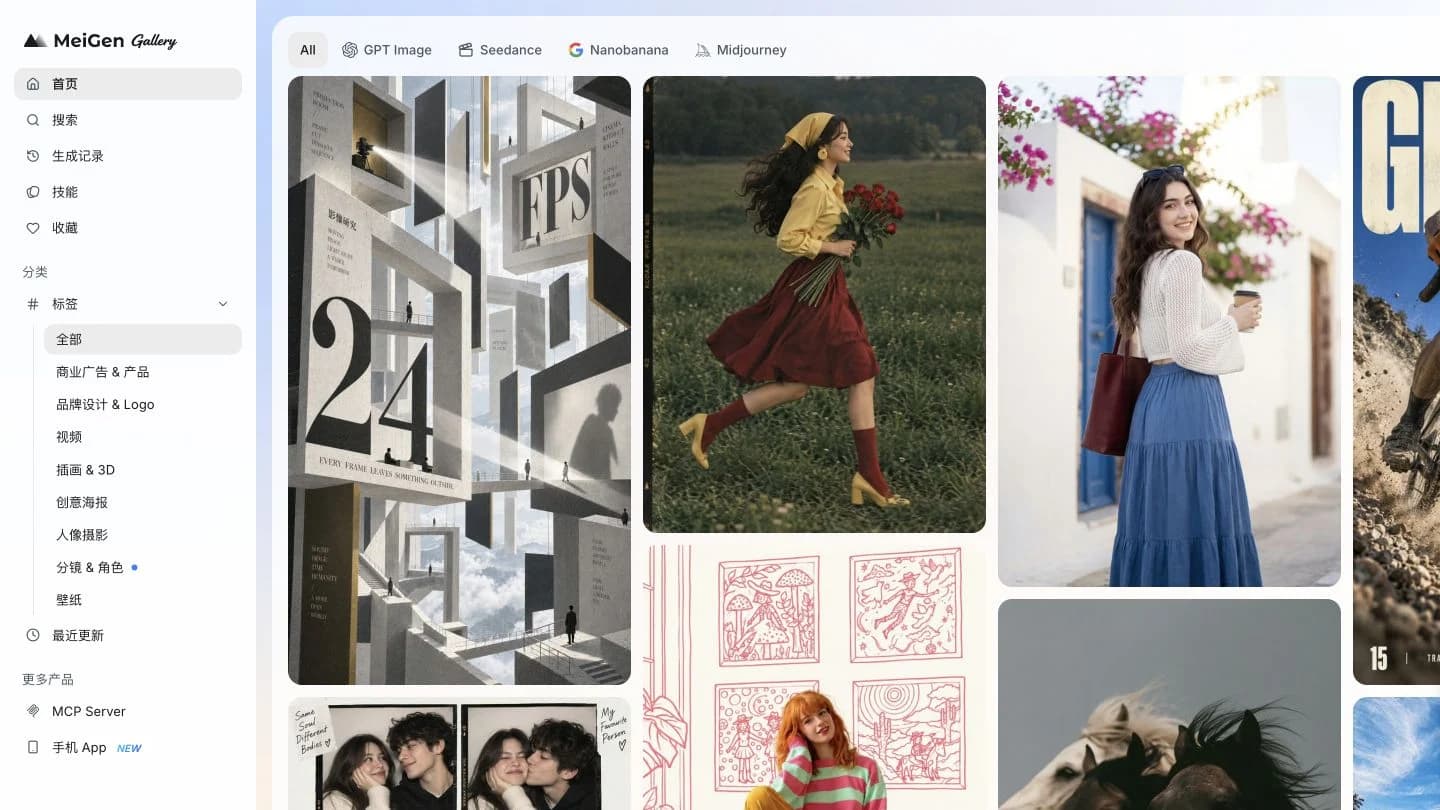
Meigan AI 2026 리뷰: MeiGen 사용법과 실제 이미지 생성 결과
실제 화면으로 따라 하는 MeiGen 튜토리얼. 프롬프트 선택부터 제품 이미지 생성까지, 설정·크레딧·무료 이용 범위와 결과를 확인하세요.
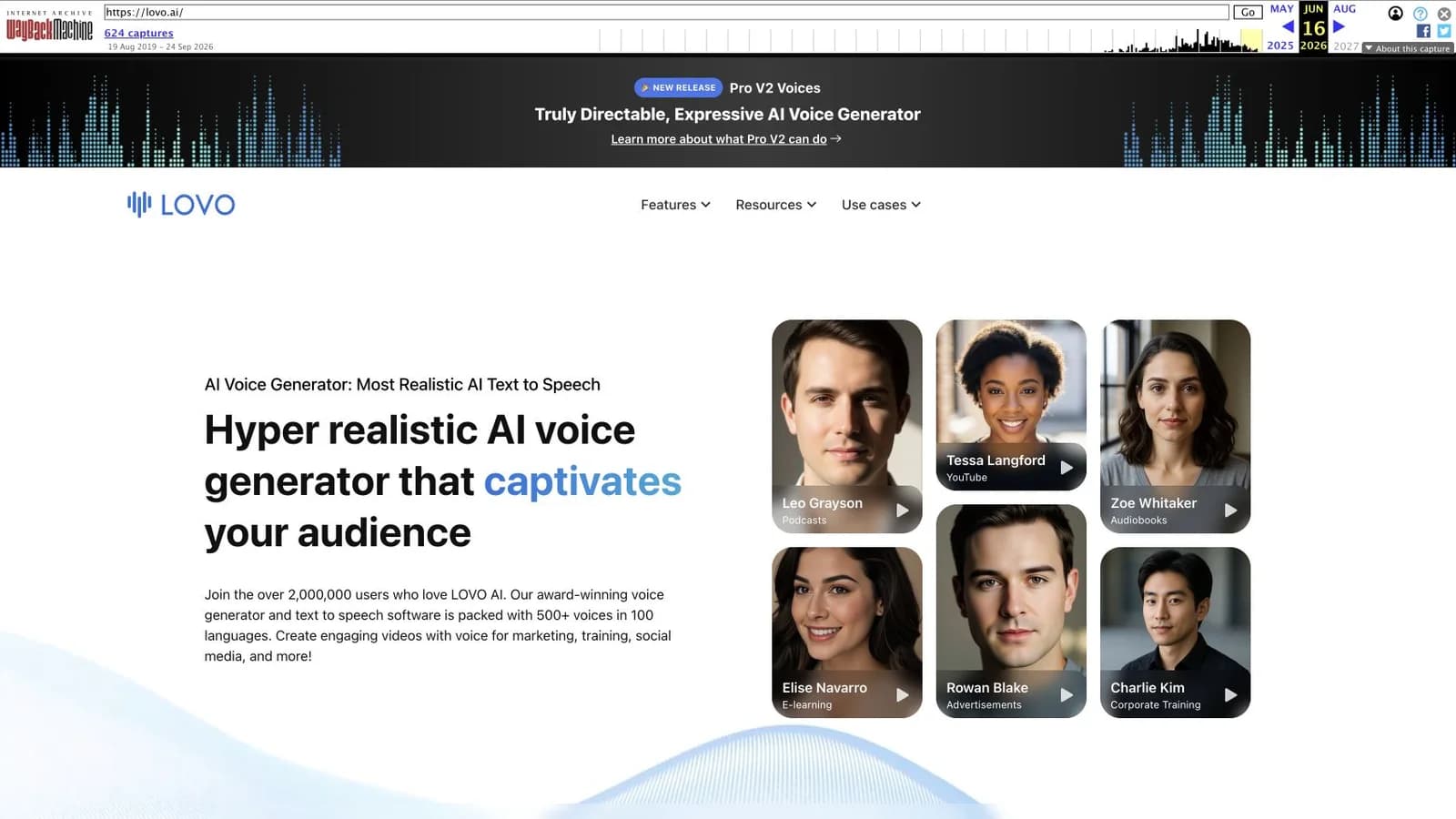
LOVO.AI 2026 리뷰: 서비스 중단과 Genny 대안
파산 신청 문서, 현재 사이트 상태, 실제 보관 화면으로 LOVO와 Genny를 돌아보고 기존 프로젝트 정리와 음성·영상 대안 선택 방법을 설명합니다.
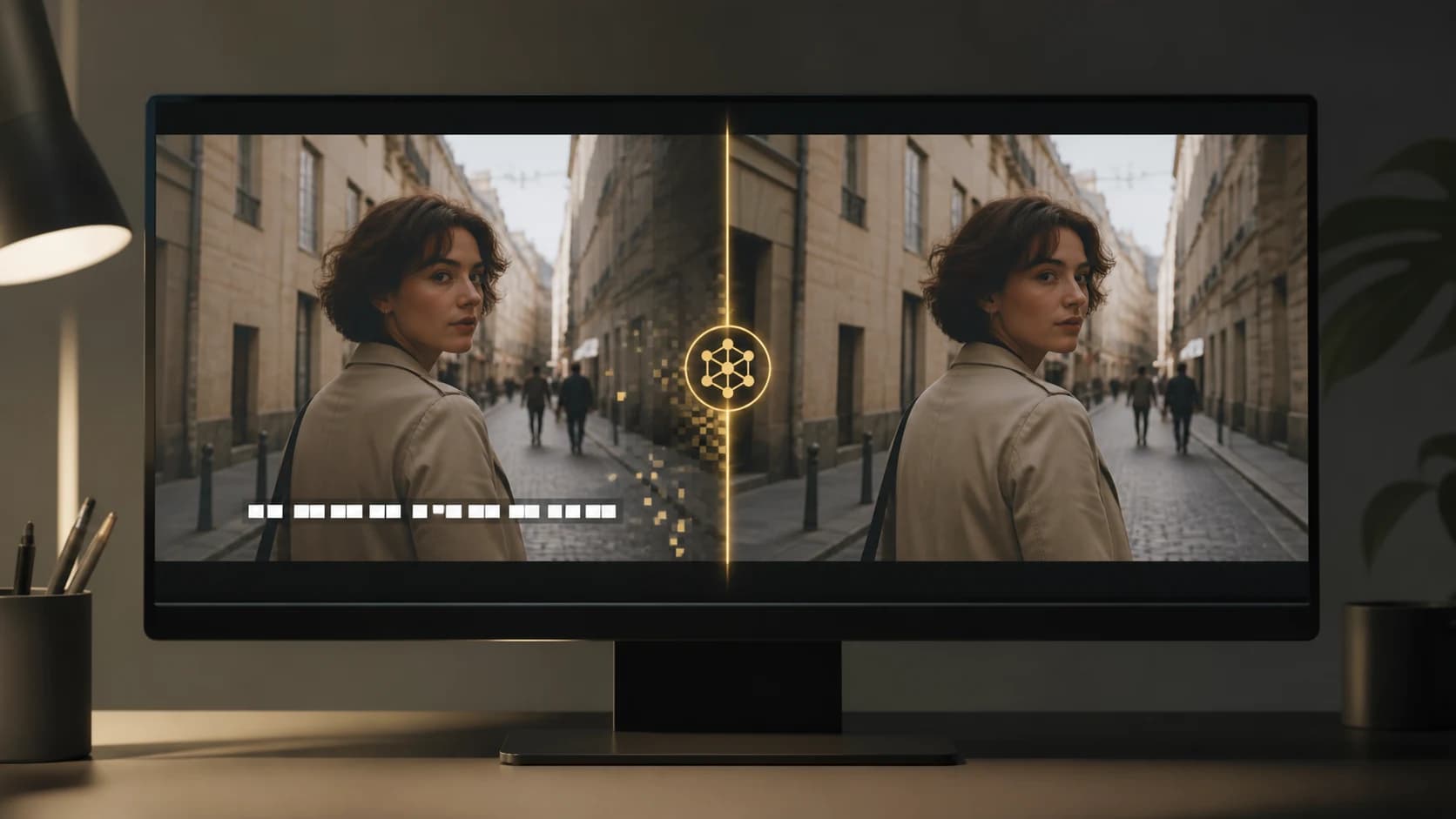
동영상에서 글자를 지우는 방법: 실용적인 4가지 방법
자막 트랙 삭제, 화면 자르기, 가리기, NanoPhoto.AI로 영상에 입혀진 자막을 지우는 방법을 단계별로 알아보세요.
뉴스레터
커뮤니티에 참여하세요
최신 소식과 업데이트를 위해 뉴스레터를 구독하세요