YOUR BROWSER. YOUR STUDIO.
PhotoCraft online. Make it yours.
A free photo editor for the details that matter. Open an image, work with layers, adjust the colors and take your finished file with you.
- Free basic editing
- Files stay on your device
- No sign-up
Start with your image.
Files stay on your device
 PNG · JPEG · WebP · PSD
Room for every detail.
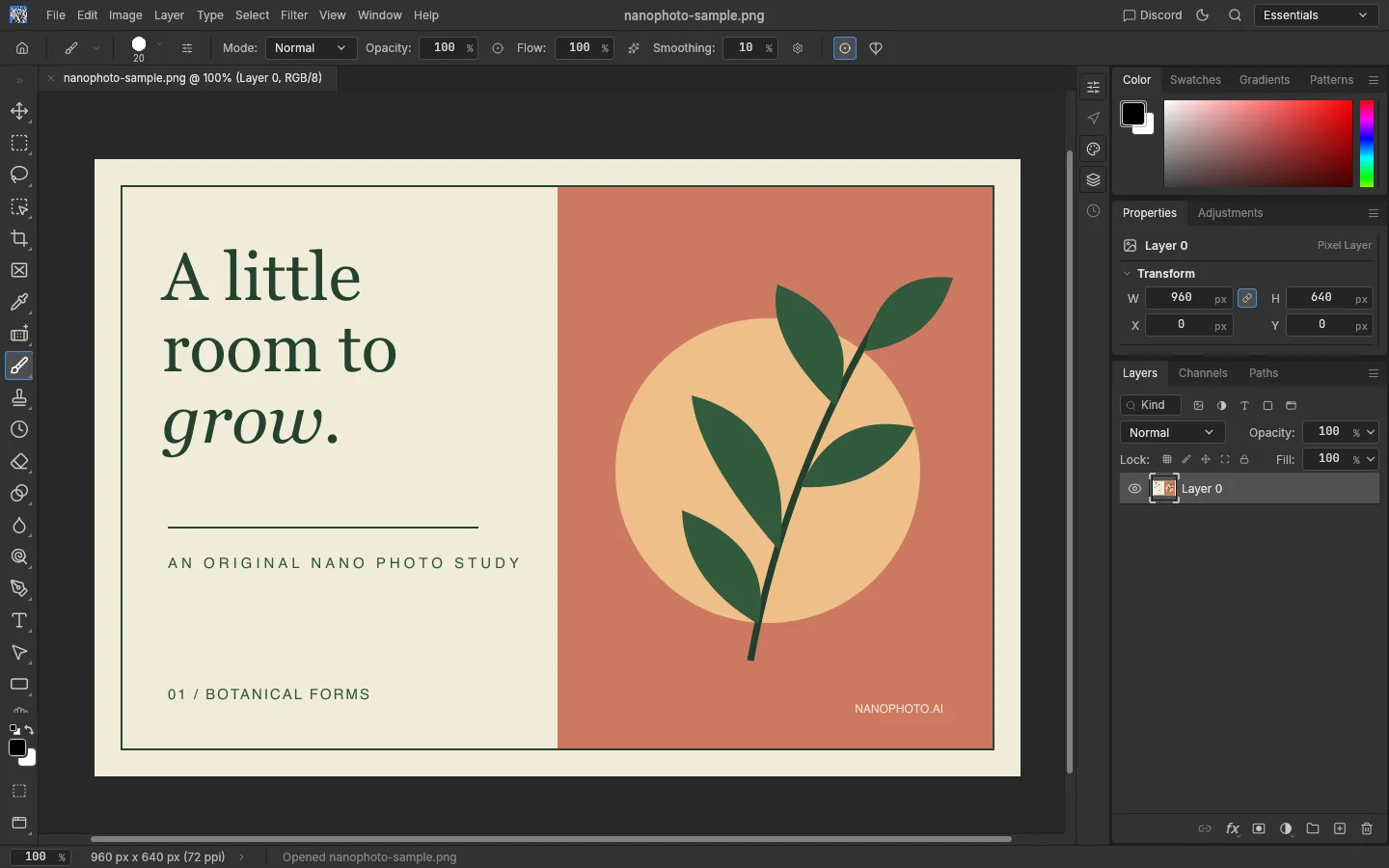
From a quick color correction to a layered composition, keep the tools close and the original intact.
Build with layers
Combine images, masks and text. Keep changes on separate layers so you can revisit them.
Shape light and color
Adjust brightness, contrast and color, or use filters to explore a different finish.
Open. Edit. Export.
Start with PNG, JPEG or WebP. Open compatible PSD documents; save layered work or export a finished image.
Three steps to your next image.
Open your file
Launch the workspace and choose Open image. Your file is read locally, without uploading it to a processing server.
Make your edits
Use layers, selections and adjustments. On a phone, the quick controls keep common actions within reach.
Take it with you
Use Export PNG for a finished image. For editable layers and other formats, use the editor’s File menu.
Before you start.
Is PhotoCraft online really free?
Yes. Opening, basic editing and exporting in this workspace do not require an account or consume NanoPhoto credits. Separate AI tools have their own pricing.
Are my photos uploaded?
The self-hosted editor reads and processes files on your device. This workspace does not upload your documents. Separate NanoPhoto AI tools may upload files when you choose to use them.
Does it work on a phone?
The browser editor can run on compatible phones. Full screen, landscape orientation and quick controls make basic tasks easier; detailed layer work is more comfortable on a larger screen.
Can I save an editable project?
Use File → Save As in the editor for a supported layered format. Export PNG creates a flattened image. There is no automatic recovery of unsaved projects.