
BeforeAfter
01
Track corner and moving marks
The removal model follows watermark regions across frames instead of applying one static crop, helping keep cleanup aligned as the camera or overlay moves.
Frame-aware video cleanup
Clean watermarks, platform logos, and AI-generated stamps from short videos. Upload a clip or paste a public URL, let AI track the marked region frame by frame, and review a clean result without cropping the scene.
Please log in to remove video watermarks.
Only process videos you own or have permission to edit. Removing ownership or attribution marks without authorization may violate rights or platform rules.
Interactive comparison
Drag each divider across the same AI-generated video frame. The before layer adds a controlled watermark; the after layer reveals the identical clean frame, so the comparison does not hide scene changes behind two different images.
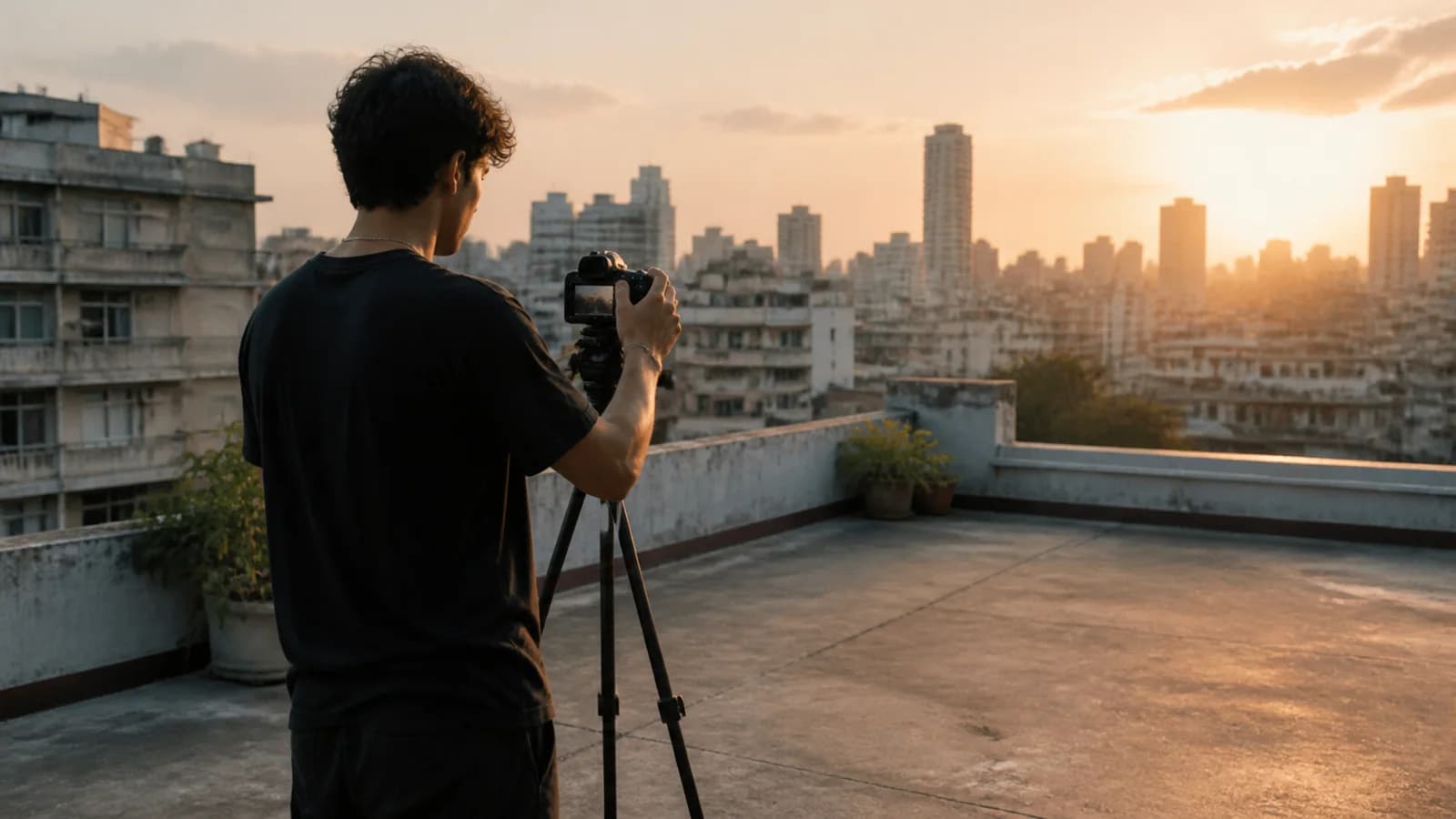

Frame-aware video cleanup
The removal model follows watermark regions across frames instead of applying one static crop, helping keep cleanup aligned as the camera or overlay moves.
Covered pixels are reconstructed from nearby visual context so walls, water, fabric, skin, and other detailed surfaces look more natural than a blurred patch.
The workflow cleans the marked region while preserving the original composition and timeline. The final MP4 keeps the source audio for a ready-to-edit result.
Workflow
NanoPhoto.AI keeps watermark cleanup focused for creators, agencies, and teams repurposing authorized footage. Upload a short MP4, MOV, or WebM file, or paste a public video URL. The server submits the task, stores the completed result, and returns a stable download.
Start with a local clip or a public HTTPS video. Browser uploads go directly to storage before the cleanup task begins.
The model detects the watermark region frame by frame and reconstructs the visual detail that was covered.
Compare the original and clean result in the browser, then download the persisted MP4 for editing, publishing, or archiving.
Use a video watermark remover only on footage you own or are explicitly allowed to edit, such as your own AI videos, campaign assets, and licensed footage whose terms permit watermark removal.
Remove generation stamps from your own Sora, Kling, Seedance, or other AI video exports before assembling a final cut.
Clean old logos or temporary review marks from source footage your team owns before adding current brand graphics.
Prepare an authorized clean master before resizing or adding the correct channel branding for Shorts, Reels, TikTok, and ads.
Videos up to 8 seconds can use the daily free allowance. Once it is used, or for longer videos, credits are based on duration.
2
Daily free uses
2/2 free uses left today for videos up to 8s
The cleaned video keeps the original timing and audio track. Processing may slightly change bitrate or file size because the video is re-encoded.
The AI service returns a temporary output URL. NanoPhoto.AI downloads the completed result and stores it in our own storage before showing success, giving you a stable final download link.
Practical answers about formats, moving watermarks, quality, storage, credits, and responsible use.
Clean watermarks, platform logos, and AI-generated stamps from short videos. Upload a clip or paste a public URL, let AI track the marked region frame by frame, and review a clean result without cropping the scene.