
Interactive stories and roleplay
Generate the next scene from a player's latest choice, keeping the experience visual instead of falling back to text while a long render runs.
Create video in real time—fast enough to generate the next scene before the current one finishes playing. Turn text or images into responsive 5-15 second clips.
Realtime generation
In the launch demonstration, a five-second clip finished in 1.5 seconds. That speed changes the workflow: generation can run behind playback, opening the door to continuously responsive video experiences.
Launch demo result. Actual generation time varies with demand, settings, and content.
1.5s
Generation
5s
Playback
Where real-time video matters
H3 Max Turbo is useful when the next shot depends on what a person just said, clicked, bought, or chose—not only when a creator needs another offline clip.
Generate the next scene from a player's latest choice, keeping the experience visual instead of falling back to text while a long render runs.

Let an AI presenter react to the live conversation and prepare the next segment while viewers are still watching the current one.
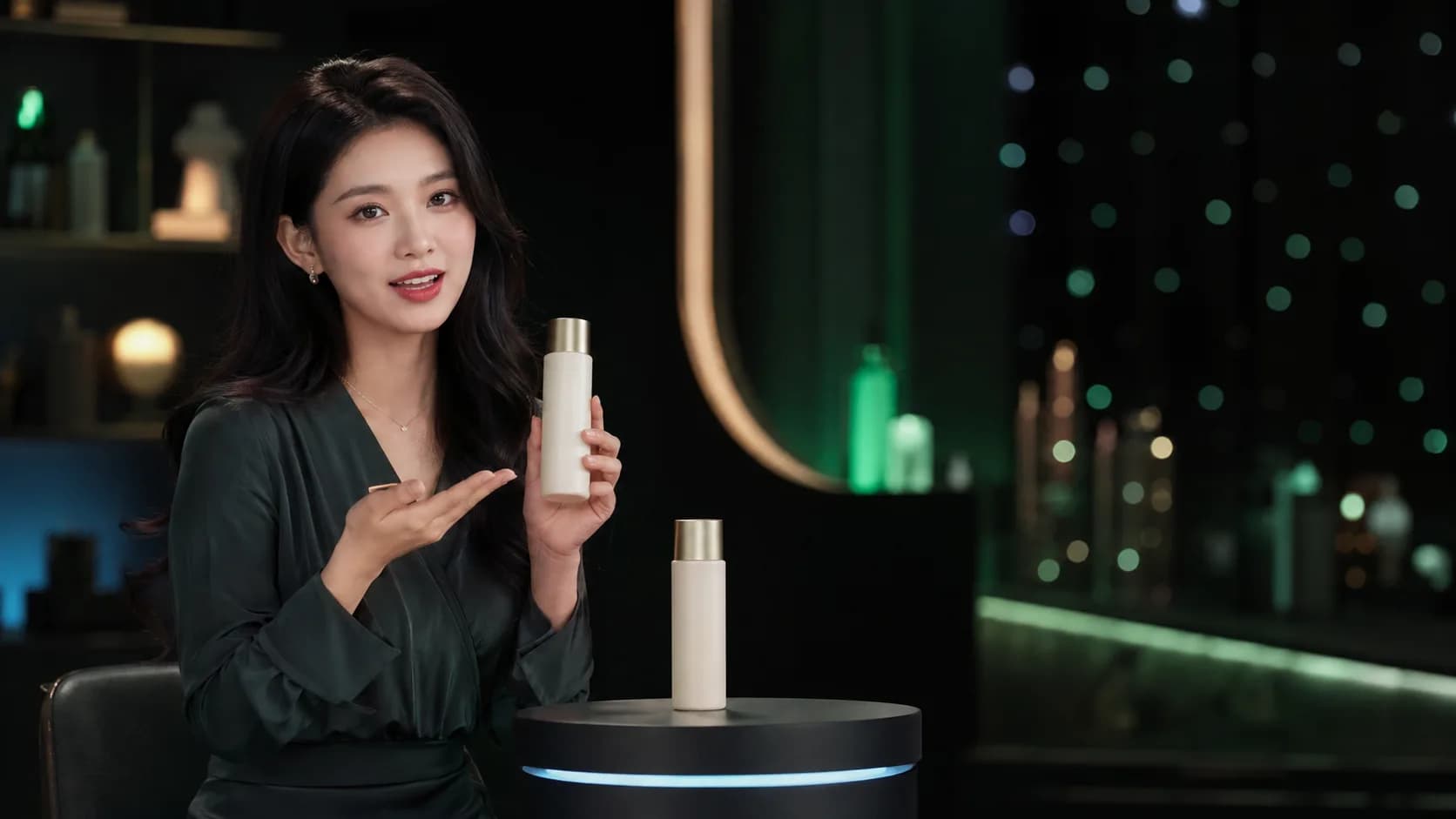
Respond to product questions and audience signals with fresh demonstrations, angles, and pitches instead of repeating a fixed playlist.
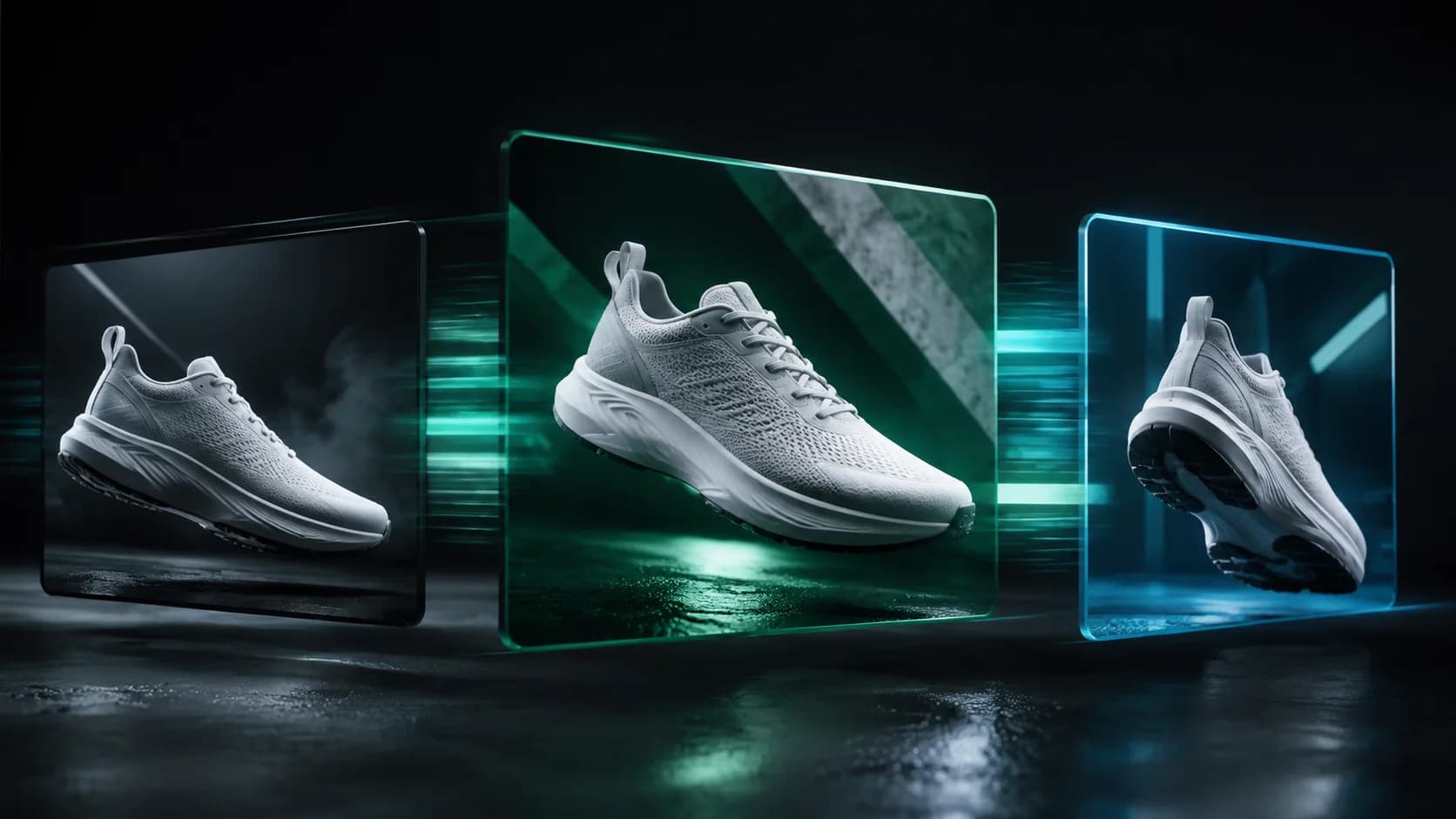
Explore multiple camera ideas and product angles in minutes, then keep only the shots that deserve a longer production pass.
A simple streaming loop can keep the current clip on screen, pass the latest audience context into the next prompt, and swap segments as soon as the next output is ready.
Watch the generation workflow and finished clips to see H3 Max Turbo’s speed and visual results.
Video by YouTube creator @xiaoweidollar
Browse 0 creator prompts with matching preview videos.
Built for responsive creation
Choose a production-friendly balance, keep the source frame's composition, and scale clip length without turning the interface into an engineering console.
Fast output makes it practical to generate ahead of playback, test several directions during a live session, or turn user input into the next visual response.
Start from a prompt or anchor motion to an image. Add an optional closing frame when the shot needs a more deliberate destination.
Create five to fifteen seconds at 480P or 768P. Text mode supports six aspect ratios, while image mode follows the source image.
H3 Max Turbo FAQ