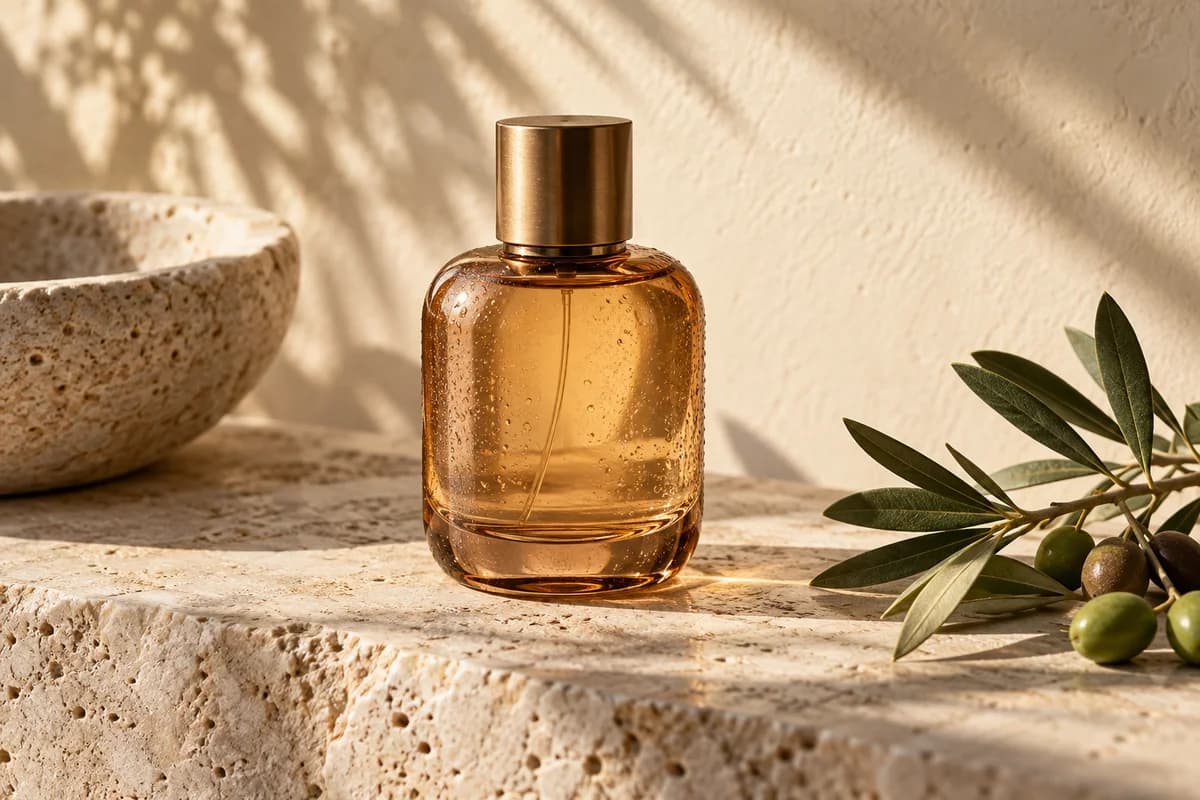
Natural light and texture
Create product scenes and portraits with natural-looking lighting and richer material detail. Describe the surface, light direction and setting in your brief.
Create from an idea. Refine from a reference.
Turn a brief into a visual, or upload images and describe exactly what should change. Choose Flare for quick iterations or Sunburst for finer editing control.
Create product scenes and portraits with natural-looking lighting and richer material detail. Describe the surface, light direction and setting in your brief.
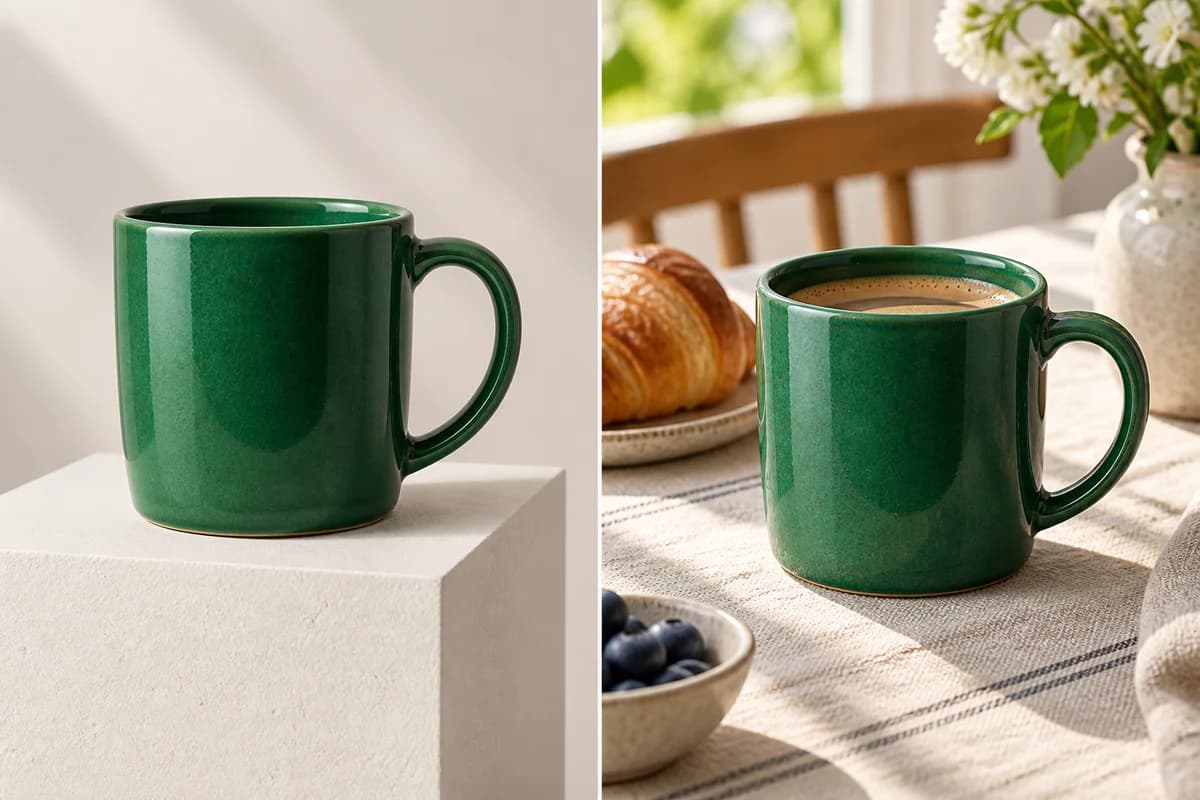
Use reference photos to guide faces, products and composition. State what must stay unchanged when requesting a new setting or style.
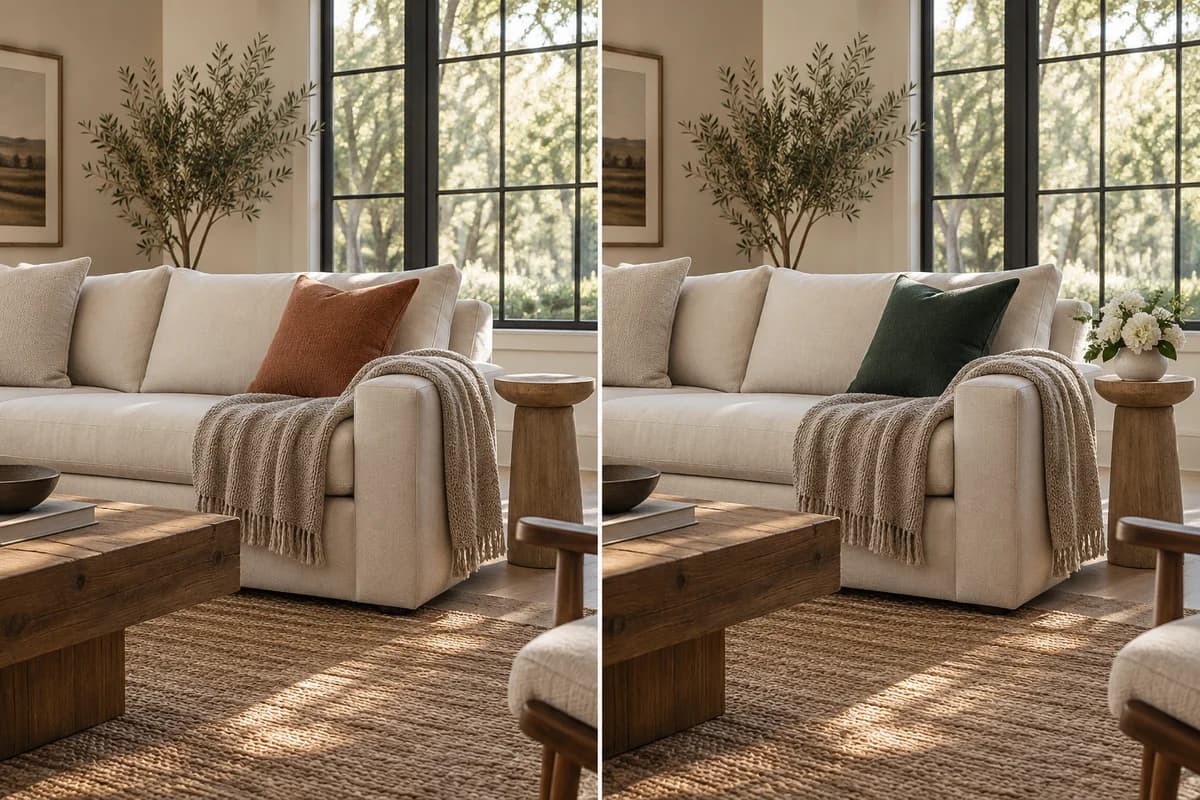
Describe a specific change to a background, object or color. Re-upload a result to refine it further while guiding the next edit.
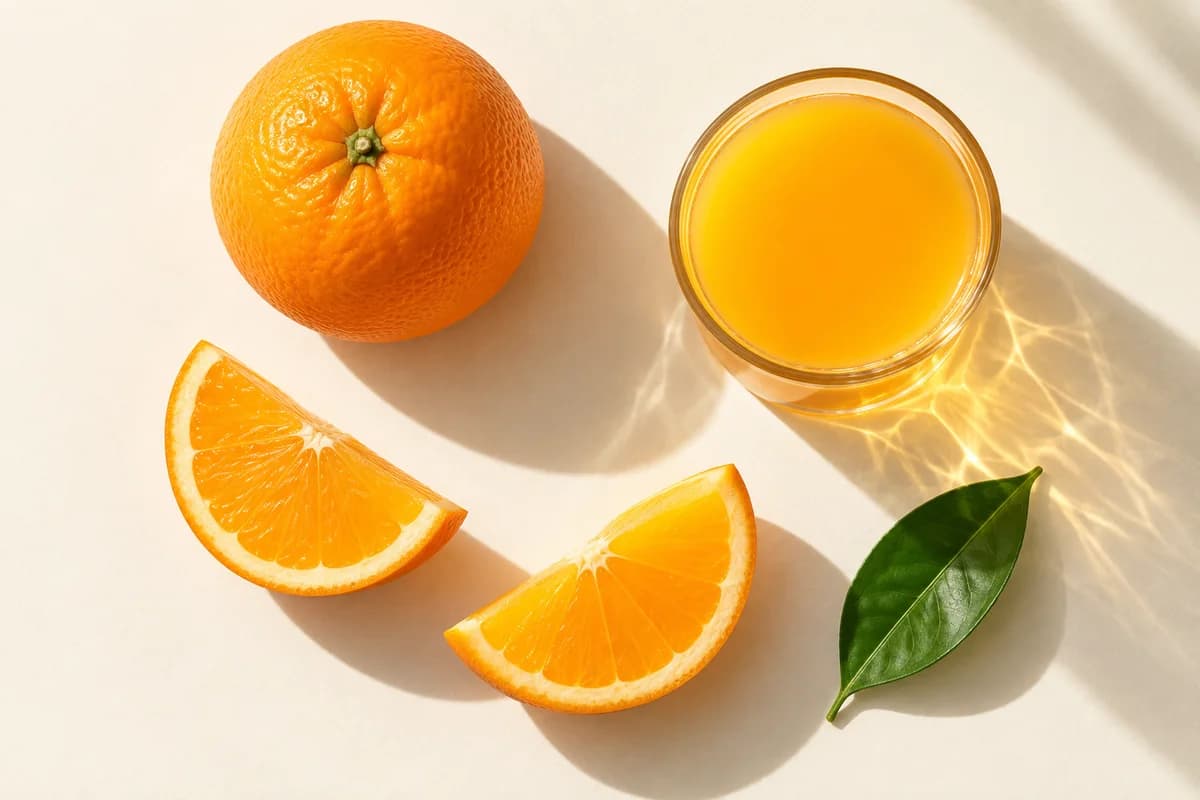
Combine layout, style and text requirements in one prompt. Review small text and brand details before using the result.
Write a prompt for a new image, or upload up to 16 JPG, PNG or WebP references for an edit.
Select Flare or Sunburst, an aspect ratio and a resolution. The credit cost is shown before you generate.
Check the result, download your PNG, or upload it again with a focused instruction for another edit.
Both models use the same credit rates. Credits are reserved before generation; failed tasks are refunded.
| Resolution | Flare | Sunburst |
|---|---|---|
| 1K | 3 credits | 3 credits |
| 2K | 4 credits | 4 credits |
| 4K | 6 credits | 6 credits |
Explore prompts and results created with GPT Image 2
Flare prioritizes faster iteration. Sunburst is intended for work where editing precision matters more. Actual generation time depends on the request and current demand.
Choose 1K, 2K or 4K. The 27:16, 16:27, 9:8 and 8:9 ratios support 1K only. Upload up to 16 JPG, PNG or WebP files, each up to 30 MB.
Failed tasks receive a credit refund. Submitted tasks continue in the background; reopen this page or your creation history to check the result.