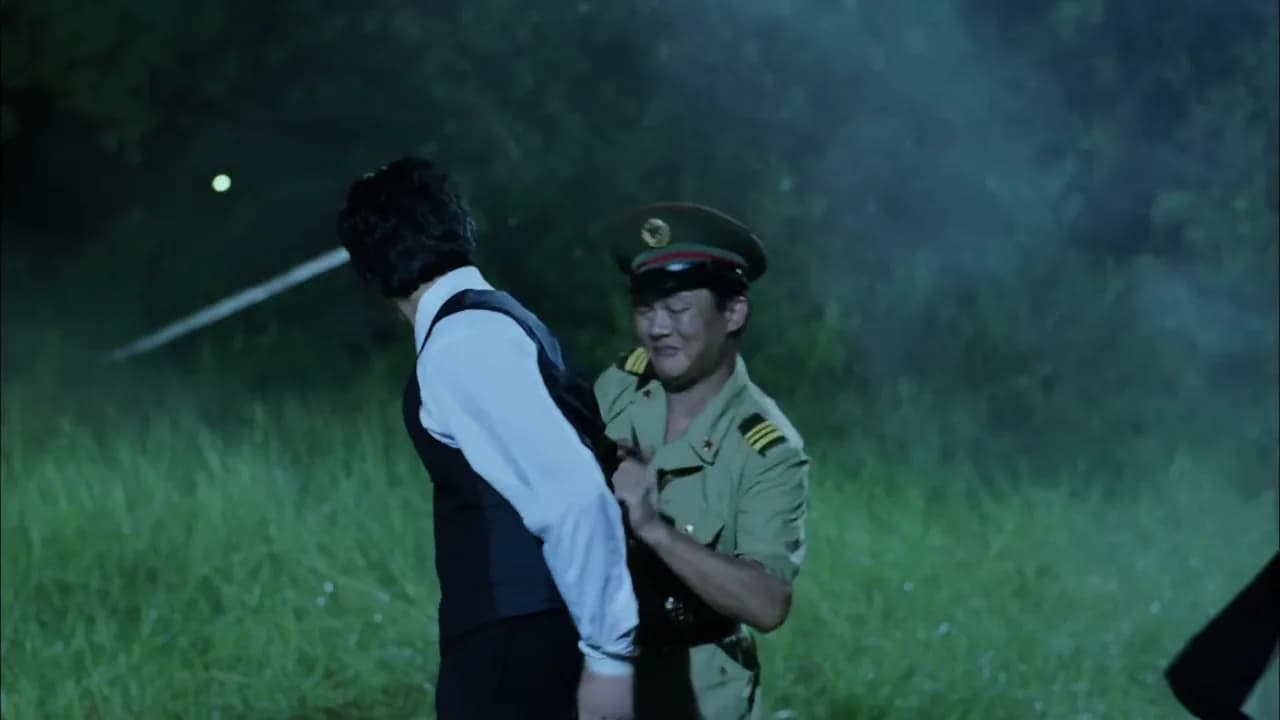
 BeforeAfter
Video Reverse Prompt Generator
Upload any video, AI analyzes and generates shot breakdown and prompts
Limited Time Free
Video Reverse Prompt Generator
Max 50MB (Basic plan or above)
Keep improving your video
BeforeAfter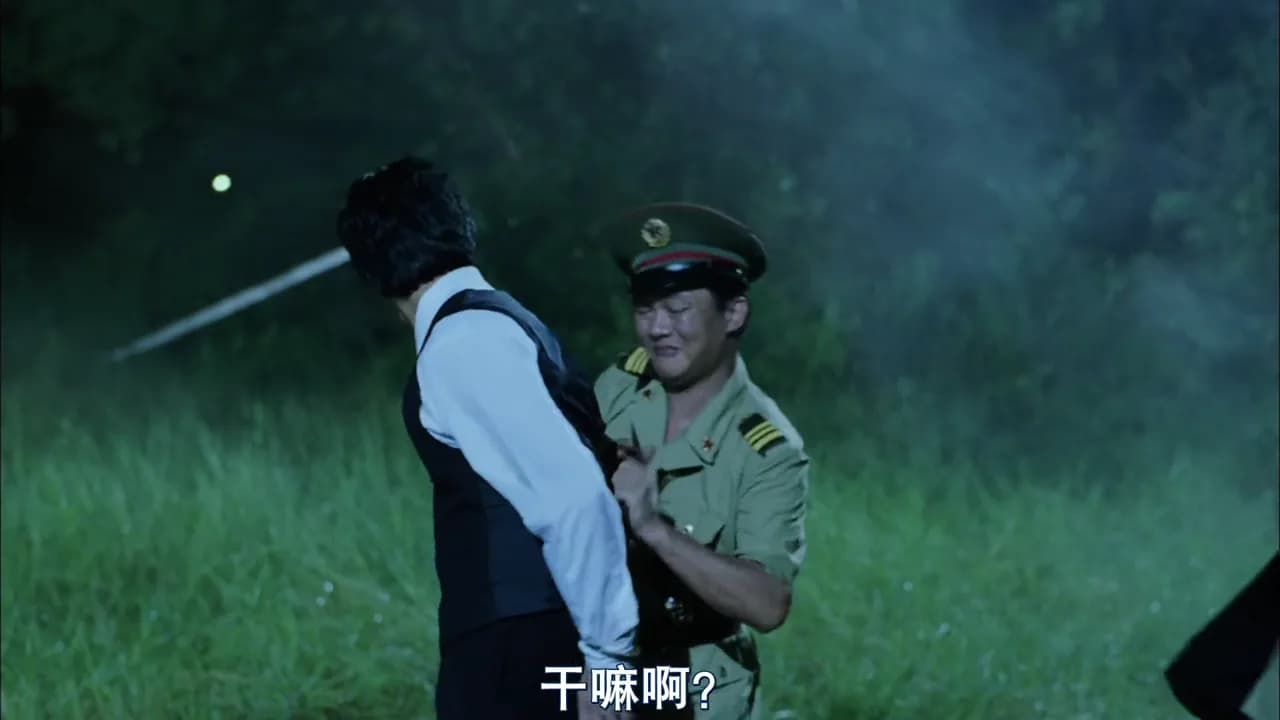
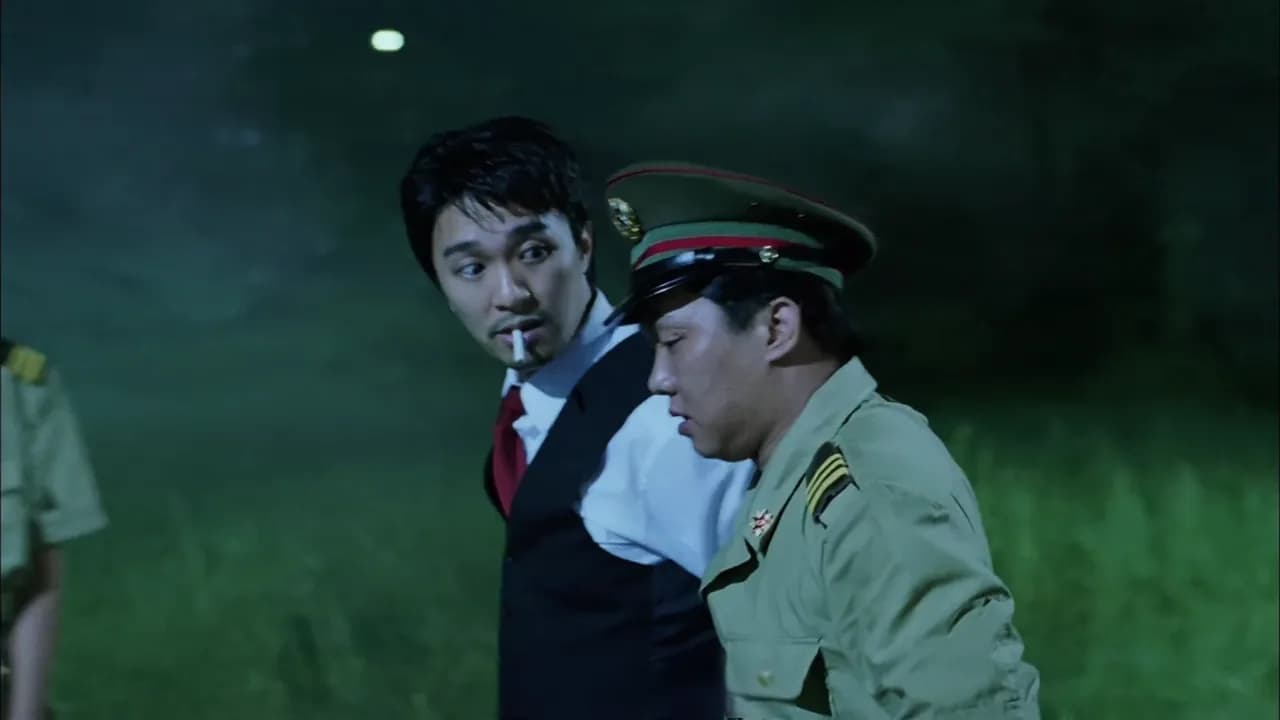 BeforeAfter
 BeforeAfter
Cinematic night scene, neon lightSlow push-in, shallow depth of field
H3 Max Turbo
Free for a limited timeBuilt for faster-than-playback workflows
Each account gets up to 10 free attempts per Hong Kong day; admitted tasks count even if they fail. Free tasks share one site-wide generation slot, and the next starts 60 seconds after a success.
Powerful Features
Multiple input methods, professional AI analysis
YouTube Support
Directly analyze YouTube videos, no download required
Video URL
Support direct MP4 video links, quick analysis
Local Upload
Upload local video files, max 30MB
AI Analysis
Deep analysis of video content, generate professional prompts
How to Use
3 simple steps to get professional video prompts
1
Choose Input Method
Select YouTube link, video URL, or upload local file
Why Choose Us
Save Time
Automated analysis replaces manual breakdown, saving hours
Accurate Analysis
AI deep learning ensures professional and detailed results
Efficient Workflow
One-click copy, seamlessly integrate into your creative process
Frequently Asked Questions
Common questions about video reverse prompt
What video formats are supported?
Currently supports MP4 format videos. For YouTube videos, we automatically handle format conversion.
What is the file size limit?
Local uploads support MP4 files up to 30MB by default. Basic plan and above can upload up to 50MB.
How long does analysis take?
Analysis time depends on video length and complexity, typically 30-60 seconds. You can see real-time progress.
Can I edit generated prompts?
Yes! Generated prompts are fully editable. You can modify them before copying or using.
Is this feature free?
Currently in limited-time free beta. Login required to use this feature.
What can I do with generated prompts?
Use them for video creation, learning shot techniques, or as reference for your own projects.
How long can uploaded videos be?
Local uploads support up to 30 seconds by default. Basic plan and above can upload videos up to 120 seconds (2 minutes). Videos longer than 120 seconds are not supported.
Start Analyzing Your Videos Now
Discover the secrets behind great videos, improve your creative skills


