H3 Max Turbo Free for a Limited Time|Generate videos in real time—faster than fast

Free for a Limited Time
LogoNanoPhoto.AI
  • H3 Max Turbo
  • Nano Banana
  • Video Reverse
  • Pricing

AI subtitle cleanup

AI Video Subtitle Remover

Remove burned-in subtitles from short videos with NanoPhoto.AI. Upload a video or paste a public URL, let AI detect caption text, and download a clean video that keeps the original motion, framing, and audio.

2/2 free uses left today for videos up to 8sFirst 2 videos up to 8s are free daily · then 1 credit per 10s
Original videoClean result
‹ ›
MP4, MOV, or WebM up to 300 MB and 5 minutes.

Result comparison

Real results, not just one sample

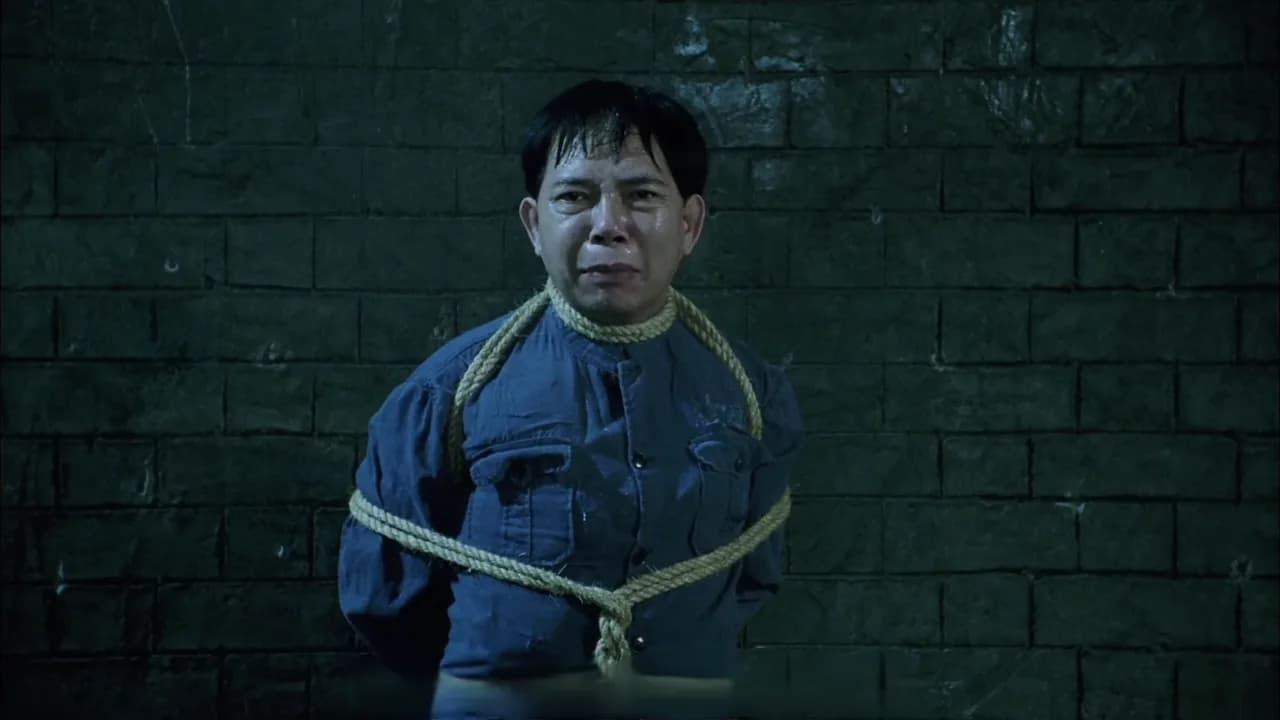
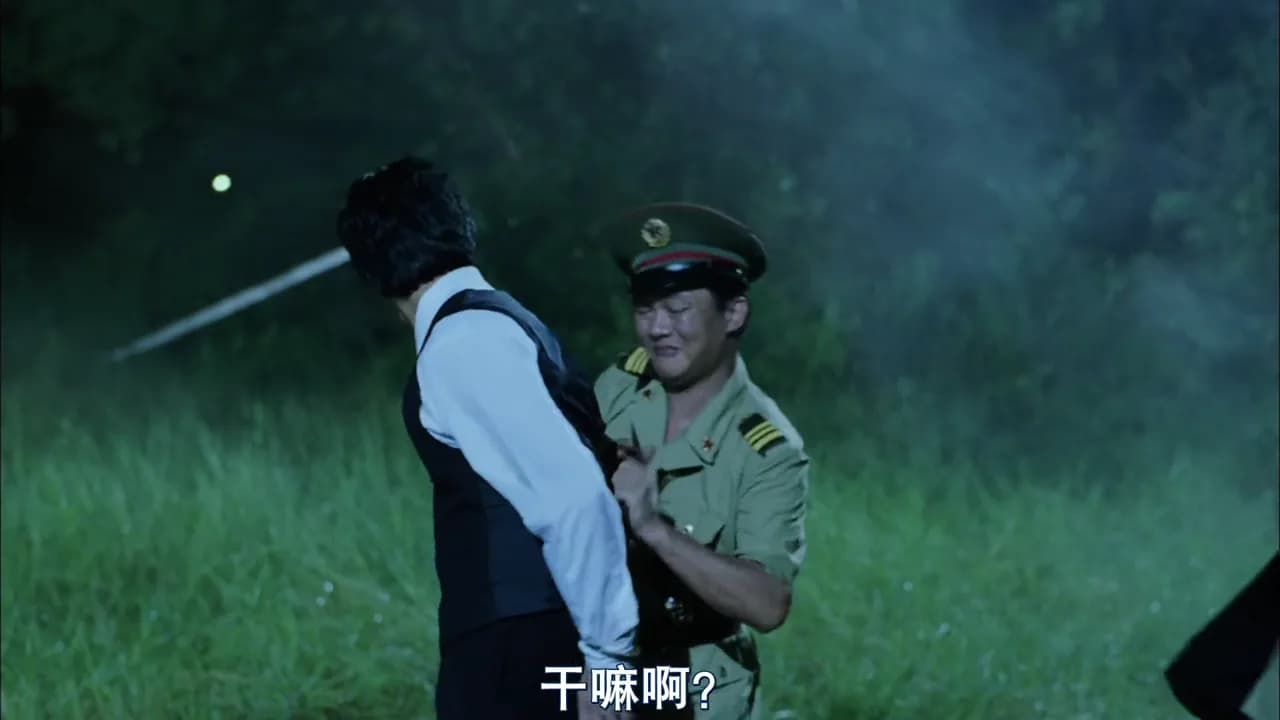
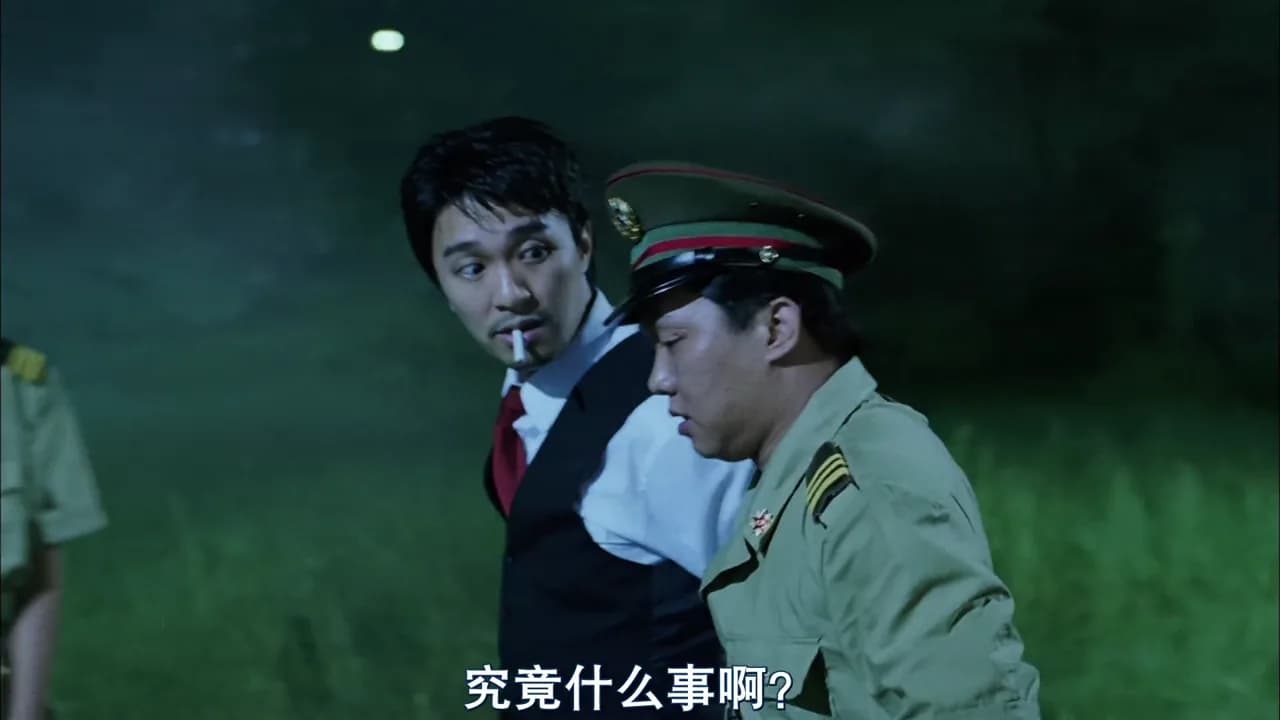
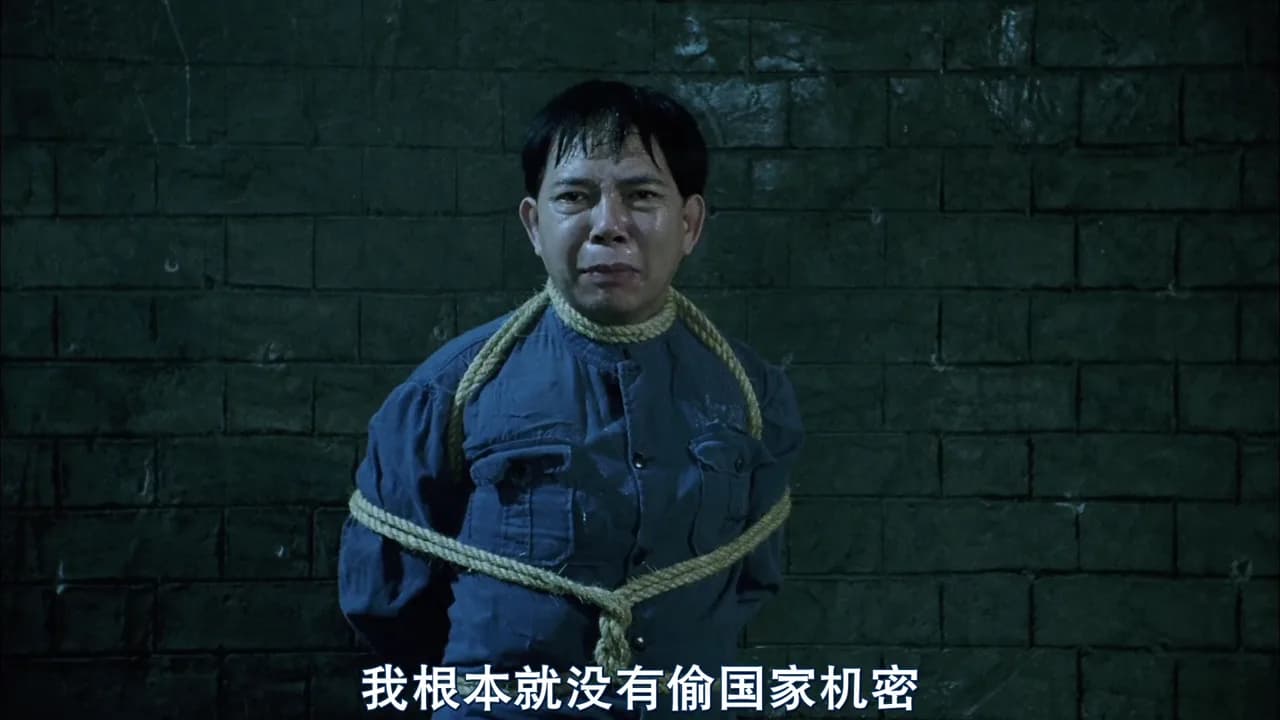
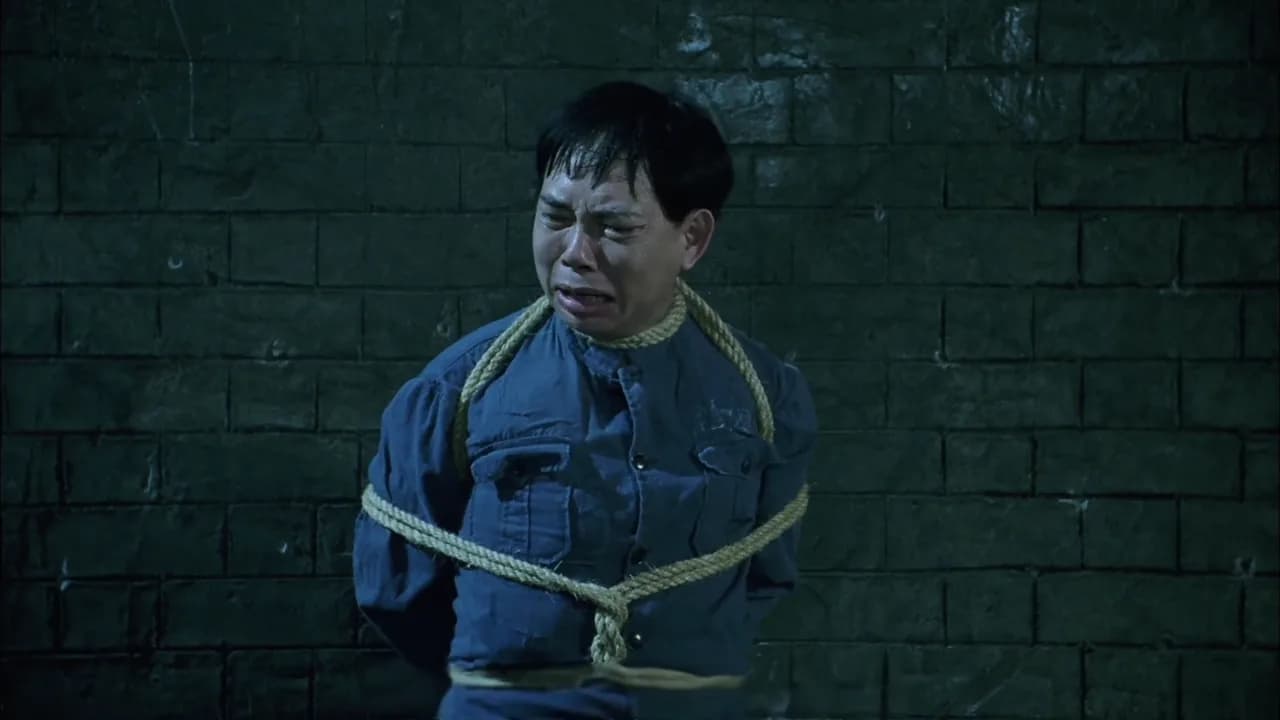
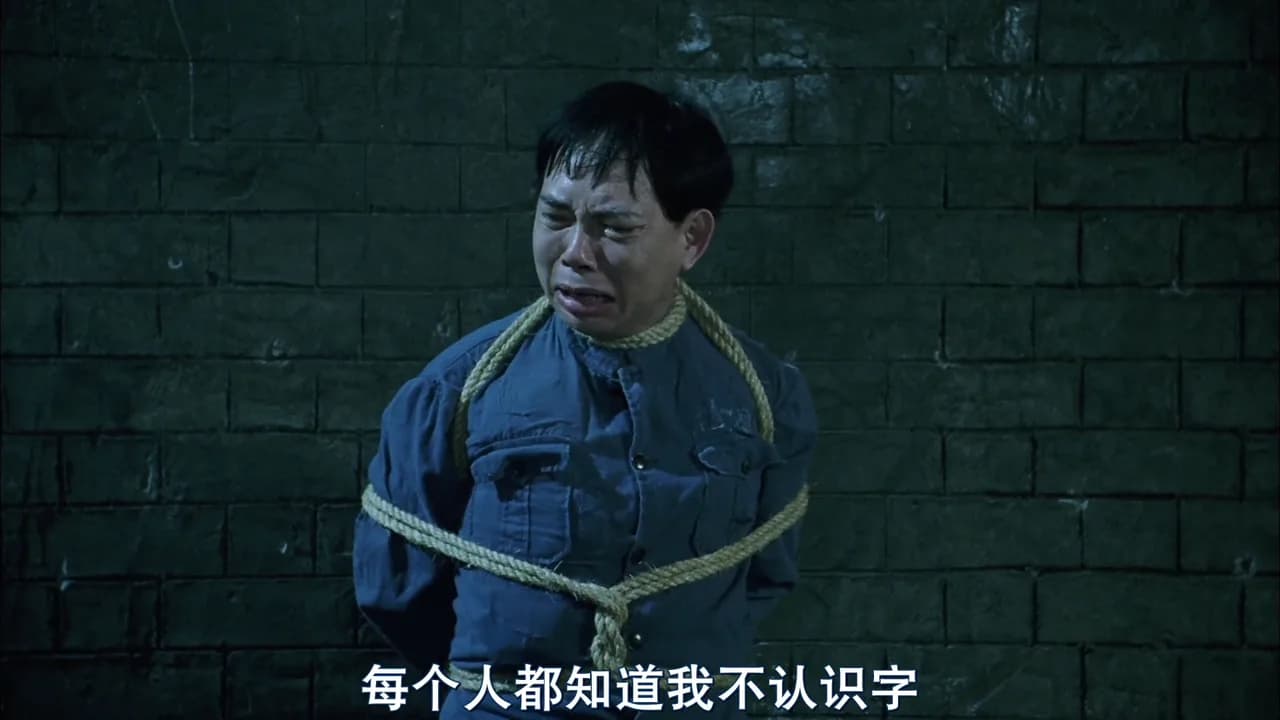
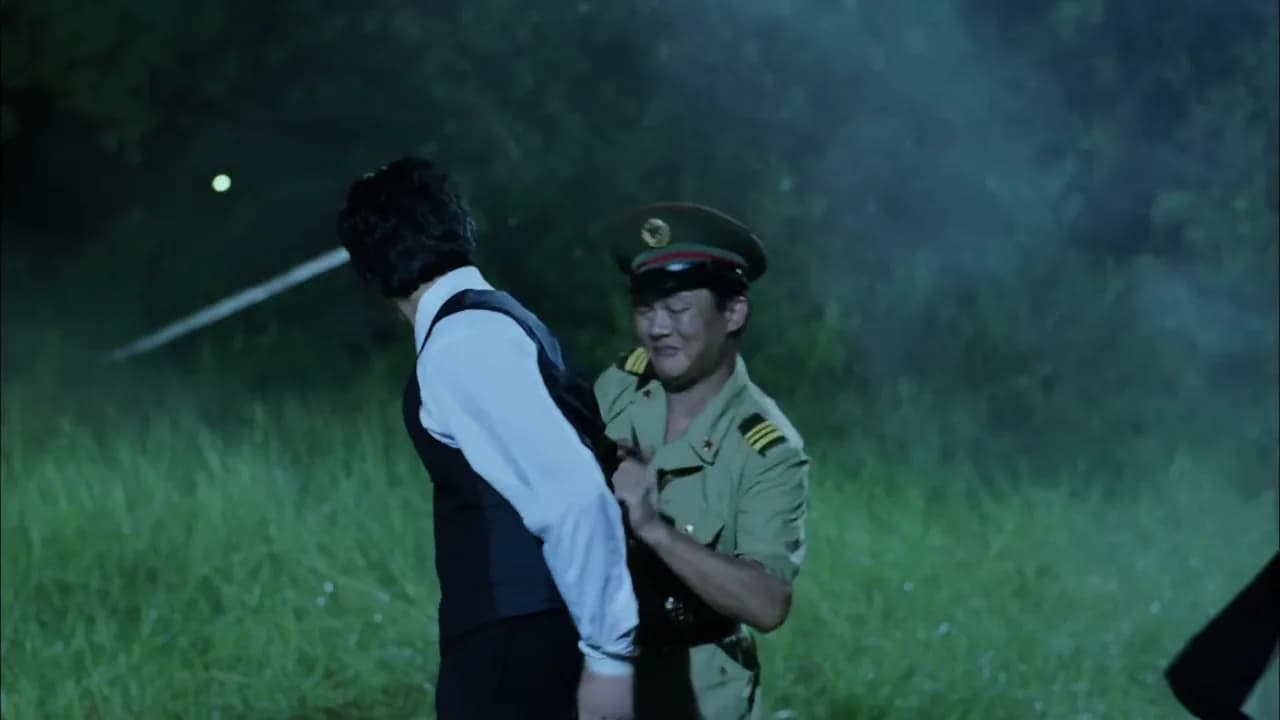
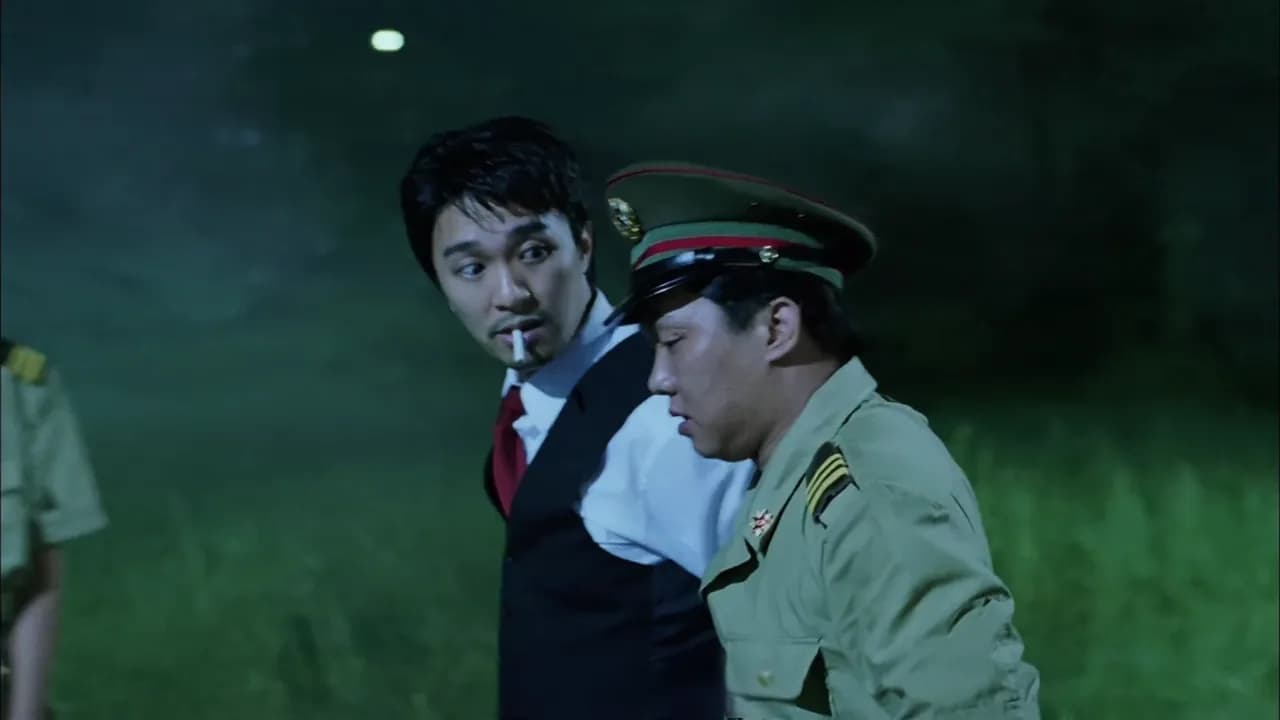
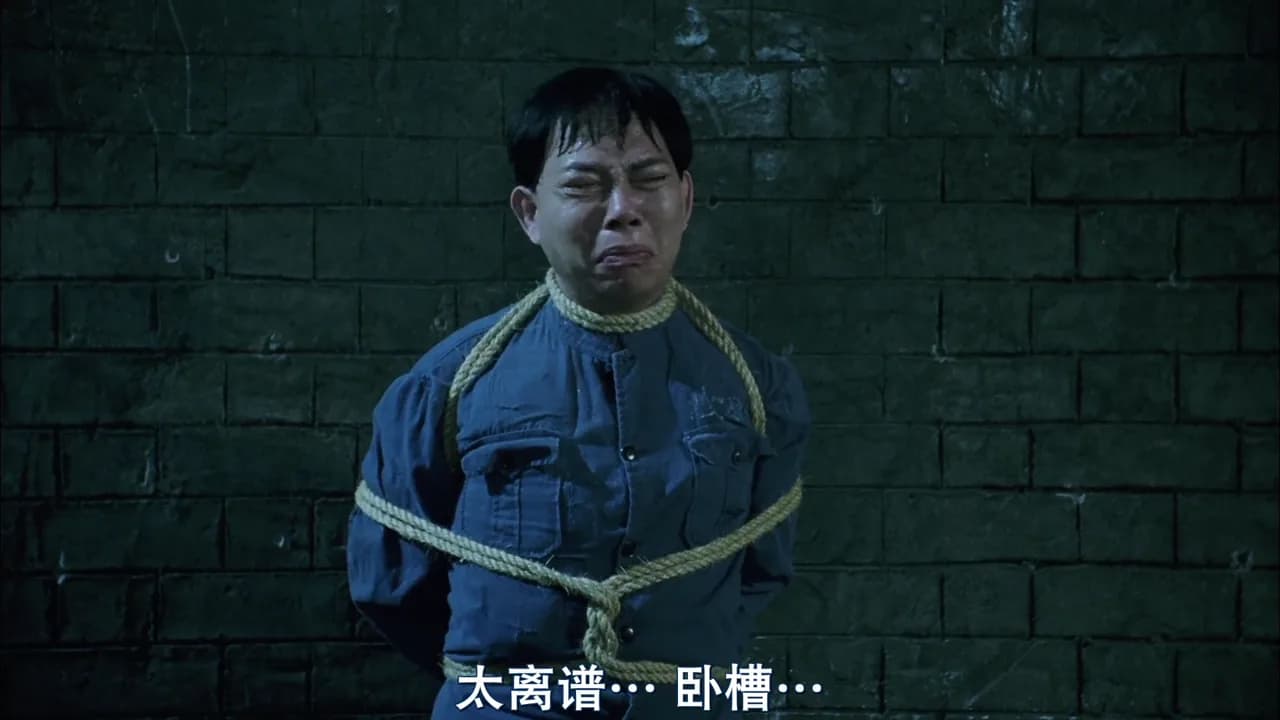
Drag the divider to compare the same frame before and after subtitle cleanup. These frames come from NanoPhoto.AI's current subtitle-removal demo.
After: Drag to compare before and after subtitle removal
BeforeAfter
‹ ›
After: Drag to compare before and after subtitle removal
BeforeAfter
‹ ›
After: Drag to compare before and after subtitle removal
BeforeAfter
‹ ›

AI subtitle cleanup

Remove subtitles from a video

After: Drag to compare before and after subtitle removal
BeforeAfter
‹ ›
01

Stable cleanup through motion

The workflow follows subtitle regions frame by frame to reduce flicker or drifting cleanup edges during movement.
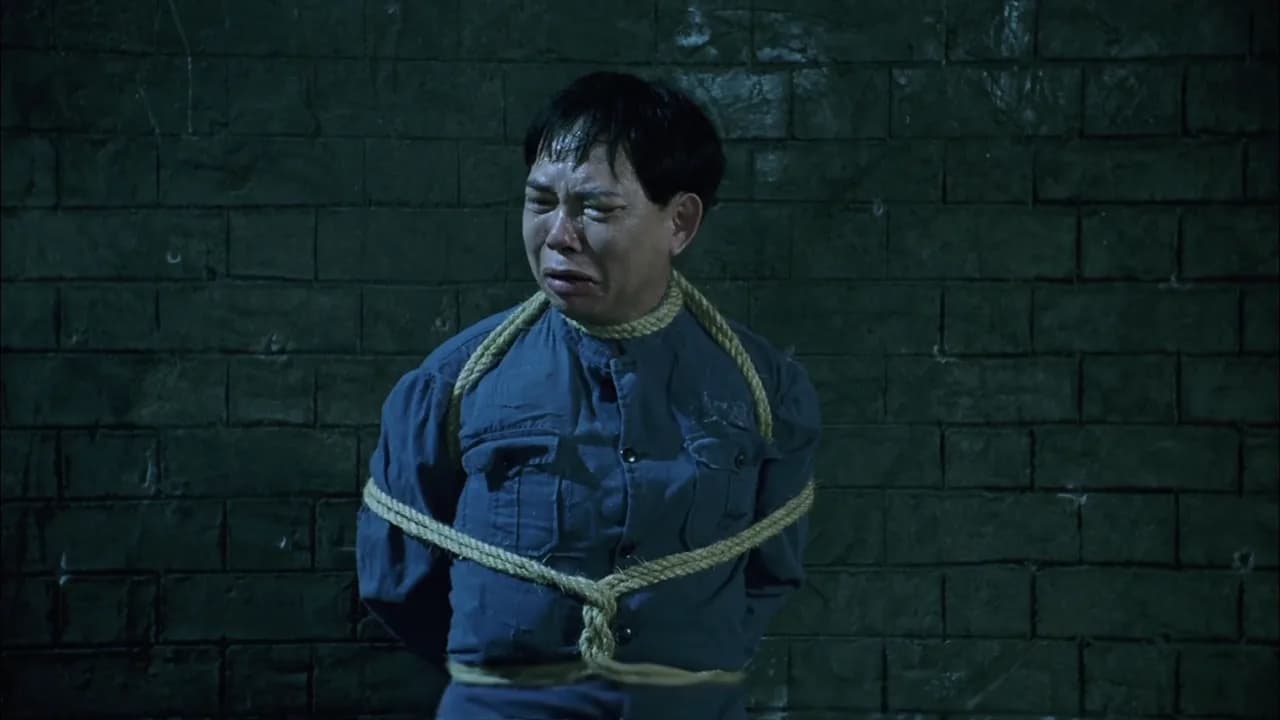
After: Drag to compare before and after subtitle removal
BeforeAfter
‹ ›
02

Preserve people and background detail

When captions overlap people, clothing, or detailed textures, cleanup aims to retain subject edges, lighting, and visual continuity.
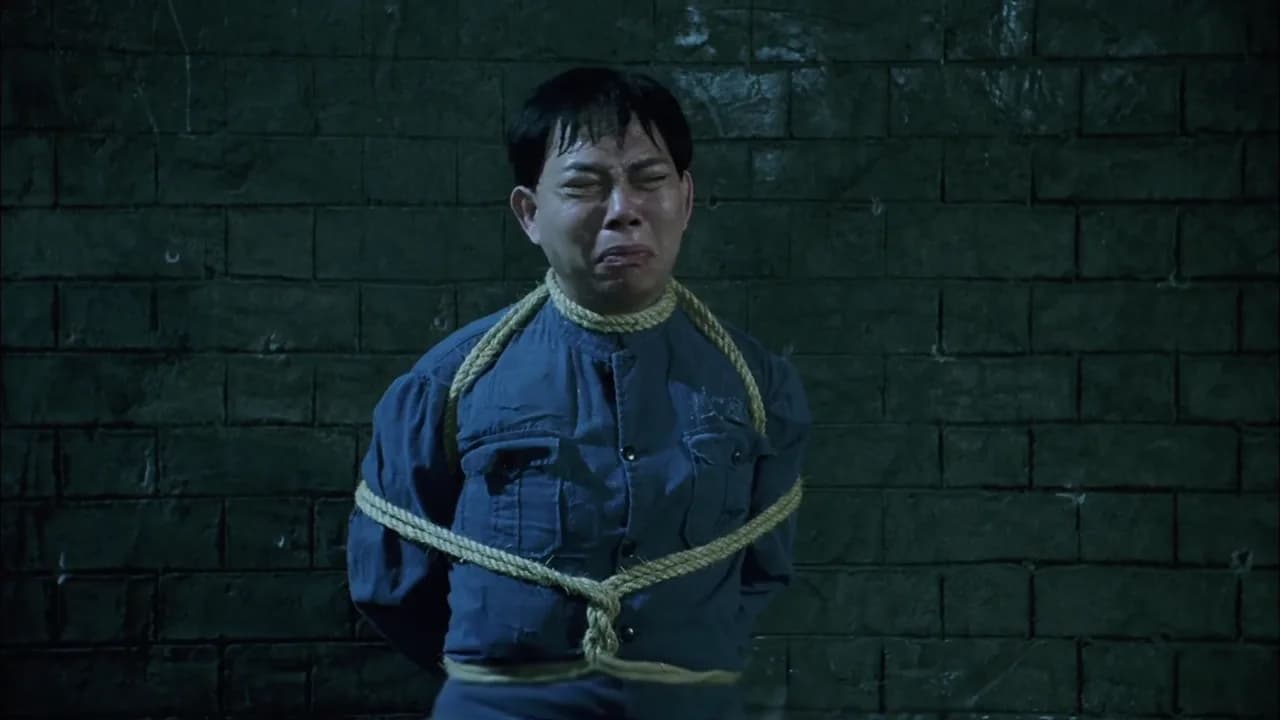
After: Drag to compare before and after subtitle removal
BeforeAfter
‹ ›
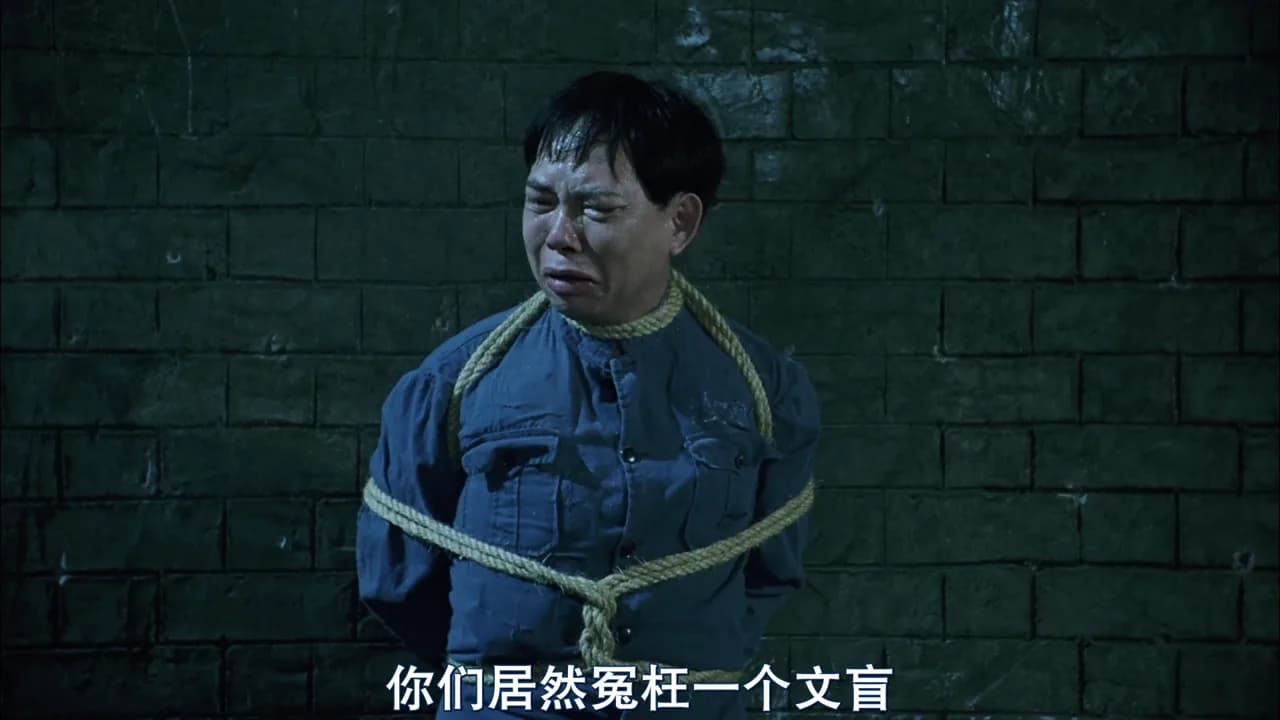
03

Handle visually complex scenes

Across low light, fast action, and detail-heavy frames, the workflow keeps locating hardcoded subtitles and reconstructing covered areas.

Workflow

Remove hardcoded subtitles in three steps

NanoPhoto.AI keeps subtitle removal focused for creators and operators who need a clean clip without opening a heavy video editor. Upload a short MP4, MOV, or WebM file, or paste a public video URL. The server submits the task, stores the final video, and returns a stable download.

  1. 01

    Upload or paste a URL

    Start with a local clip or a public HTTPS video. Browser uploads go directly to storage, then the server sends the public file URL for AI cleanup.

  2. 02

    AI removes caption text

    The processing flow identifies hardcoded captions and repairs the background frame by frame.

  3. 03

    Review and download

    When processing is complete, compare the source and clean result in the browser, then download the subtitle-free MP4 for editing, posting, or archiving.

Built for short-form cleanup and reuse

A dependable AI video subtitle remover is useful when a clip has hardcoded captions in the wrong language, old campaign text, draft subtitles, or platform overlays that should not appear in the next edit.

Social repost prep

Social repost prep

Clean burned-in captions before cutting videos for Shorts, Reels, TikTok, ads, or localization workflows that need fresh text later.

Marketing asset reuse

Marketing asset reuse

Remove outdated subtitles from product demos, campaign clips, course teasers, and creator footage before using the same video in a new layout.

Localization workflows

Localization workflows

Prepare clean master clips before adding translated subtitles, dubbing, or new captions in NanoPhoto.AI and other post-production tools.

Clear pricing, dependable delivery

Videos up to 8 seconds can use the daily free allowance. Once it is used, or for longer videos, credits are based on duration.

2

Daily free uses

2/2 free uses left today for videos up to 8s

Will the result keep my audio and timing?

The cleaned video keeps the original timing and audio track. Processing may slightly change bitrate or file size because the video is re-encoded.

Why do you store the result after processing finishes?

The AI processing service returns a temporary URL. NanoPhoto.AI downloads the result and stores it in our own storage so your final download link is stable.

AI Video Subtitle Remover FAQ

Answers for creators and teams using NanoPhoto.AI to remove hardcoded subtitles from short videos.

AI Video Subtitle Remover

Remove burned-in subtitles from short videos with NanoPhoto.AI. Upload a video or paste a public URL, let AI detect caption text, and download a clean video that keeps the original motion, framing, and audio.
Upload video
LogoNano Photo AI

Nano Photo AI — Making AI Photo and Video editing simple and efficient

GitHubGitHubTwitterX (Twitter)DiscordYouTubeYouTubeEmail

0.1%
of purchases contributed to Stripe Climate

Stripe Climate Logo

Nano Photo · Product

  • Features
  • Pricing
  • FAQ

Nano Photo · Resources

  • Blog
  • Documentation
  • Changelog
  • Affiliates
  • YouTube Trends Today

Nano Photo · Company

  • About
  • Contact
  • Waitlist

Nano Photo · Legal

  • Cookie Policy
  • Privacy Policy
  • Terms of Service

All creative tools

Video generation

  • WAN 3.0
  • ByteDanceSeedance 2.5
  • H3 Max Turbo
  • GeminiVeo 3.1
  • ByteDanceSeedance 2.0
  • Kling 3.0 Motion Control
  • Kling 2.6 Motion Control
  • MiniMax H3
  • Happy Horse 1.1

Image creation

  • Nano Banana
  • Nano Banana 2
  • ByteDanceSeedream 5.0 Pro
  • ByteDanceSeedream 5.0 Lite
  • GPT Image 2
  • GPT Image 2.5
  • Remove background
  • Upscale image

Video tools

  • Video Reverse
  • Video Translation
  • Video watermark remover
  • AI Video Subtitle Remover
  • AI Video Enhancer
  • Instagram Transcript Generator

Creator support

  • ByteDanceSeedance 2.0 Prompt Generator
  • Nano Banana Pro Prompt Generator
  • Seed Audio

Inspiration & utilities

  • AI Video Showcase
  • Nano Banana Pro Prompt Market
  • Image Converter Suite
  • YouTube Trends Today
  • Documentation
  • Changelog
Video generation
  • WAN 3.0
  • ByteDanceSeedance 2.5
  • H3 Max Turbo
  • GeminiVeo 3.1
  • ByteDanceSeedance 2.0
  • Kling 3.0 Motion Control
  • Kling 2.6 Motion Control
  • MiniMax H3
  • Happy Horse 1.1
Image creation
  • Nano Banana
  • Nano Banana 2
  • ByteDanceSeedream 5.0 Pro
  • ByteDanceSeedream 5.0 Lite
  • GPT Image 2
  • GPT Image 2.5
  • Remove background
  • Upscale image
Video tools
  • Video Reverse
  • Video Translation
  • Video watermark remover
  • AI Video Subtitle Remover
  • AI Video Enhancer
  • Instagram Transcript Generator
Creator support
  • ByteDanceSeedance 2.0 Prompt Generator
  • Nano Banana Pro Prompt Generator
  • Seed Audio
Inspiration & utilities
  • AI Video Showcase
  • Nano Banana Pro Prompt Market
  • Image Converter Suite
  • YouTube Trends Today
  • Documentation
  • Changelog
History tools

Video generation

  • SoraSora 2

Video tools

  • Remove Sora Watermark

Creator support

  • SoraSora Storyboard
  • TVC Ad Maker
  • Sora 2 Prompt Generator
© 2026 Nano Photo AI. All rights reserved.